
Virtual Production Studio Setup: A Planning Guide
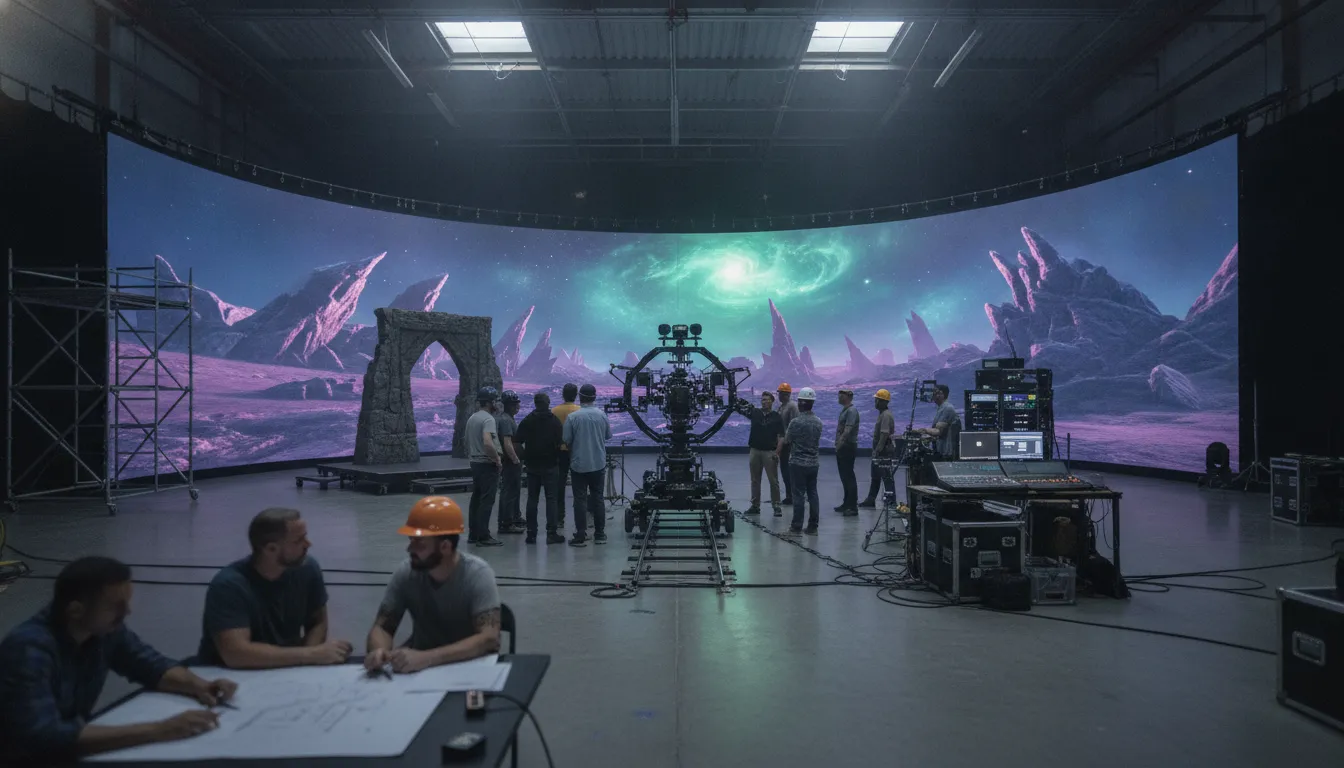
A successful virtual production facility is not defined by the size of its LED wall. It is defined by how reliably creative intent moves from planning into a camera-ready image, with the stage, tracking, rendering, crew, and operating procedures working as one system.
A practical virtual production studio setup aligns the physical stage with camera tracking, real-time rendering, live compositing, crew responsibilities, and repeatable testing. Plan around the productions you need to support, validate the technical handoffs early, and treat safety, approvals, and asset governance as part of the facility rather than afterthoughts.
That approach also creates room for informed trade-offs. A smaller proof of concept may test the workflow before a more complex build, while a production-ready stage must account for camera movement, lighting, calibration, content readiness, and recovery when something fails. The first decision is therefore not which equipment to buy, but what the studio must make possible.
Explore Arctic7's virtual production capabilities
What Should a Virtual Production Studio Setup Achieve?
A successful virtual production studio setup should function as an integrated production system. It connects the stage, camera tracking, real-time rendering, lighting, crew, content pipeline, and approval process so creative decisions can be evaluated in context. The goal is not to collect impressive equipment, but to make the intended shots repeatable, reviewable, and production-ready.
Virtual production brings together LED displays or volumes, real-time rendering, camera tracking, and live compositing to combine physical and digital elements in camera. NYU Tisch describes the workflow as an integration of game-engine environments and LED technology, which is why the setup must be planned around the relationship between these systems rather than around any single component.
That integration should serve four practical outcomes:
- Creative control: Directors, cinematographers, and department leads can see how the environment, camera movement, lighting, and performances work together before committing to a final take.
- Reliable iteration: Adjustments that might otherwise wait for post-production can be tested during pre-production or production, allowing the team to identify problems while the relevant people and assets are still available.
- Consistent handoffs: The stage team, Virtual Art Department, real-time artists, camera department, and production leadership share a clear workflow for versions, approvals, and technical responsibility.
- Repeatable operations: The facility can be reset, calibrated, and prepared for the next scene, project, or format without relying on undocumented individual knowledge.
This objective changes how leaders evaluate the build. Floor space, camera movement, sightlines, lighting behavior, tracking volume, render performance, data management, and safety procedures all matter because they affect the shot and the day-to-day operating model. A technically capable stage can still underperform if the team cannot move from approved assets to a tested, executable scene.
For IP holders, the system should also support continuity across formats. The same production capability may need to serve film, television, games, visualization, or immersive experiences, with different creative and technical requirements. Arctic7's virtual production capabilities reflect this broader partner model: the setup is part of a connected creative and production strategy, not an isolated room full of equipment.
How Do You Plan a Virtual Production Studio Setup?
A practical virtual production studio setup begins with the production decisions, not the equipment list. Define the images, camera movement, environments, and delivery demands first. Then test the creative and technical assumptions in stages, so the facility supports repeatable work rather than becoming an expensive room that only works for one project.
- Define the use cases and content requirements. List the formats the studio must support, such as episodic television, feature work, branded entertainment, games, or previs. For each, document the expected camera language, lensing, performer movement, environment changes, physical set pieces, and final deliverables. This determines whether you need an LED volume, a green-screen or hybrid approach, or a flexible combination. Virtual production brings LED display, real-time rendering, camera tracking, and live compositing together, as the NYU Tisch virtual production FAQ explains, so plan around the complete image-making system.
- Map the site and operating constraints. Survey ceiling height, floor loading, access doors, power, cooling, network capacity, control-room locations, acoustic conditions, storage, safety routes, and space for lighting and physical set interfaces. Draw the camera paths and working zones before fixing the stage footprint. Also identify shared-space rules, booking needs, crew access, client viewing, and reset requirements. A technically capable stage can still fail if people cannot move equipment safely or if the building cannot sustain the intended operating pattern.
- Design the technical architecture around the shots. Translate the shot plan into requirements for display, camera tracking, lens data, real-time rendering, synchronization, lighting, monitoring, data storage, and backup. Camera position and orientation must reach the rendering system accurately enough to keep the digital environment aligned with the physical camera. Document signal paths, ownership, software versions, asset handoffs, and failure modes. For a useful planning reference, compare this sequence with the virtual production workflow.
- Run a focused proof of concept. Test the hardest representative shot before committing to the full build. Use the intended camera movement, lens range, environment complexity, lighting approach, and performer blocking. A smaller staged configuration can validate assumptions without pretending to replicate every final capability. Record what worked, what required manual intervention, and which decisions must change before procurement or construction.
- Set readiness gates and sign off. Establish acceptance criteria for tracking, rendering stability, color, synchronization, latency, safety, data management, and crew handoffs. Rehearse a representative day, including setup, calibration, shooting, recovery from a fault, and stage reset. Approve the studio only when creative, technical, production, and safety owners agree that the process is repeatable and documented.
How Should You Design the Stage and Camera Tracking System?
A stage design connects clearance, camera movement, tracking, display behavior, and lighting before a crew arrives. Choose the validation environment that matches the shots you must prove, then document calibration, synchronization, and set interfaces. The goal is a repeatable image-making system, not a room assembled from disconnected equipment.
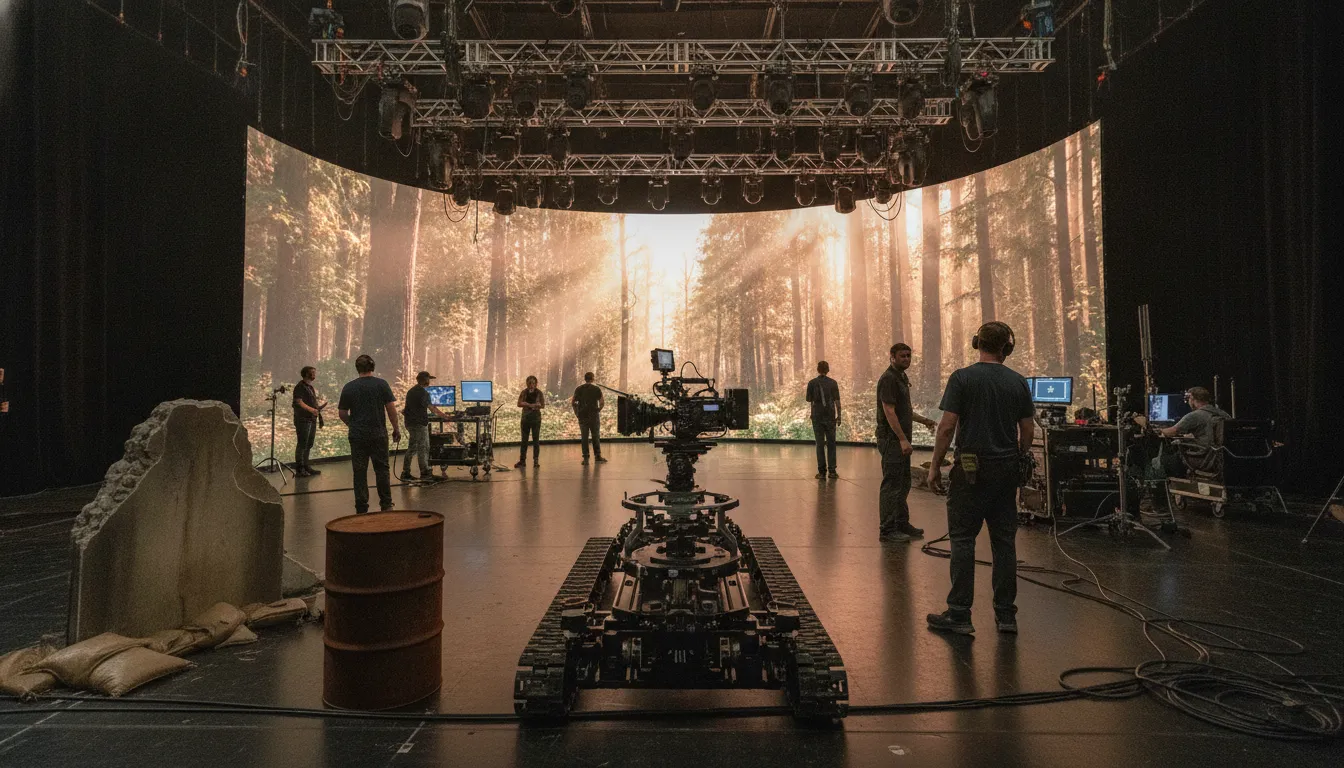
Start with a stage diagram showing the LED wall or chroma surface, camera paths, talent marks, practical scenery, lighting positions, and safe operator routes. Floor clearance must support the intended dolly, tripod, jib, or handheld movement without forcing the camera into an untracked zone. Ceiling clearance matters too: overhead grids, fixtures, cable paths, and jib arms need room to operate without restricting composition.
| Approach | Best validation use | Design considerations |
|---|---|---|
| LED volume | In-camera reflections, interactive background light, and final camera moves | Prioritize wall characterization, frustum calibration, genlock, pixel and color checks, floor clearance, and physical set integration. |
| Green screen | Tracking, lens, blocking, and real-time scene validation before committing to an LED stage | Control spill and lighting separately. Confirm the camera path, keying assumptions, data handoff, and virtual-to-physical eyelines. |
| Hybrid | Sequences that combine LED environments with practical extensions or chroma workflows | Define which shots require wall-based reflections and which require keying. Test transitions, lighting continuity, tracking, and set interfaces as one sequence. |
Choose tracking around the camera package and movement language, not as an accessory. A documented academic inventory paired an LED screen with a camera jib, cinema camera, optical camera tracker, tripod, wireless focus, iris and zoom control, and lighting equipment. This is an integrated example, not a universal specification. The camera system must deliver reliable position and orientation data as the camera moves.
Build calibration into the schedule. The RIT and Optic Sky documentation lists equipment testing, OptiTrack calibration, LED-wall characterization, genlock, frustum calibration, focus mapping, display optimization, stage diagrams, shot lists, lighting tests, and blocking as pre-production activities. These checks establish whether perspective follows the lens, frames stay synchronized, and the wall behaves consistently. For a useful reference, review this guide to virtual production tools and tracking.
Finally, test physical set interfaces at camera height and in planned light. Doorways, floors, props, set extensions, tracking markers, cable runs, and practical fixtures should support the shot rather than expose a seam between real and virtual worlds. Readiness means the crew can repeat the approved move, lighting state, and calibration result without improvisation.
What Does the Real-Time Rendering Pipeline Need?
A reliable real-time rendering pipeline connects the engine, render nodes, camera-tracking data, display system, color pipeline, and production assets into one controlled chain. It should also define what happens when a node, network connection, tracking feed, or asset version fails, so the stage can protect the shot rather than improvise under pressure.
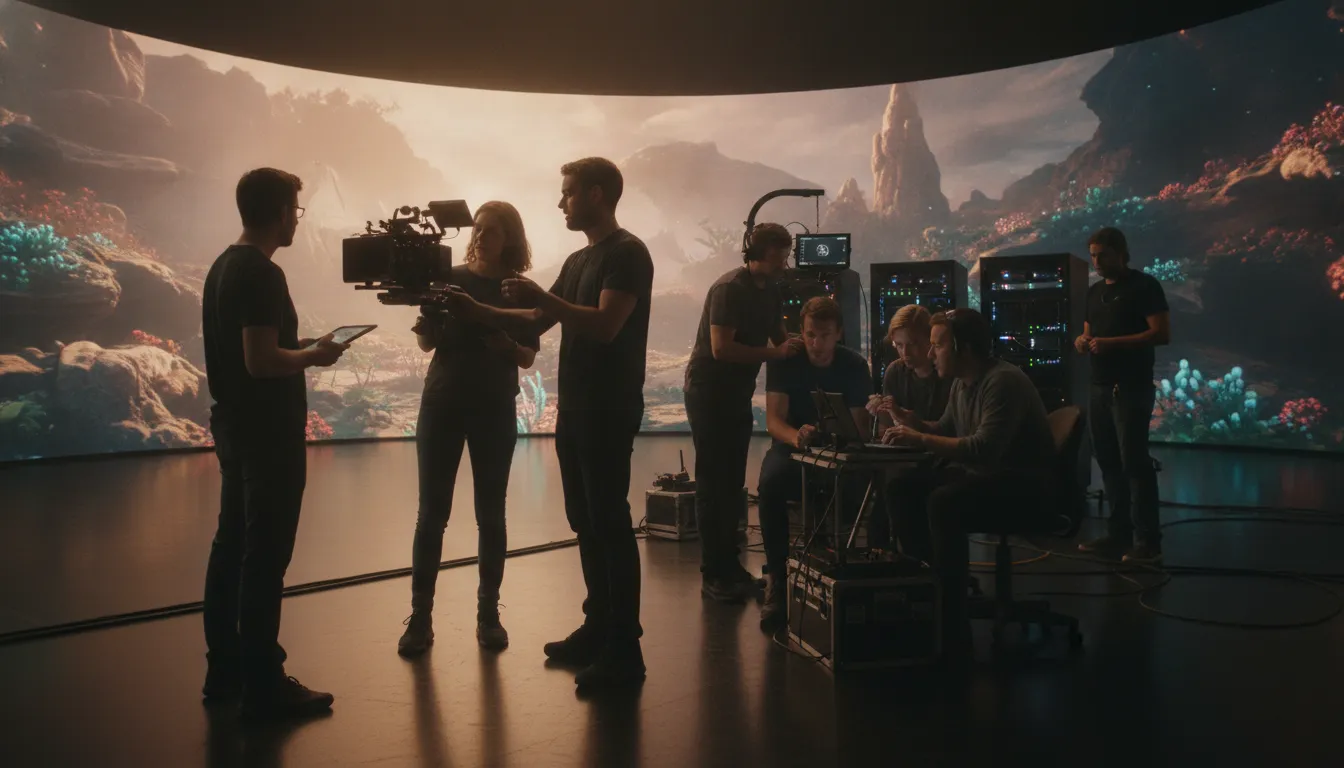
In a virtual production studio setup, the engine is the scene authority, but it is not the whole system. Render nodes must receive the correct project, level, plugin configuration, and display output. The engine then uses the physical camera's position and orientation to update the digital scene in real time, keeping perspective aligned as the camera moves. This is why camera data, lens information, and tracking health need to be visible to the people responsible for the shot. Virtual production pipeline planning should document these dependencies before production begins.
Connect the technical layers
The connection between the camera and render is only one part of the handoff. Genlock and synchronization keep camera, render, and display timing coherent. Color management should be tested across the content, render output, and LED display, while calibration confirms that the rendered frustum and physical stage agree. The RIT and Optic Sky virtual production documentation lists equipment testing, tracking calibration, LED-wall characterization, genlock and sync, frustum calibration, focus mapping, and display optimization as workflow-engineering tasks. These are readiness activities, not optional polish. The RIT and Optic Sky report provides a useful reference model.
Control versions and recoveries
Asset versioning should identify the approved environment, materials, lighting states, camera configuration, and engine project used for each scene. A handoff package needs clear ownership, naming, dependencies, and a tested transfer path. Save and archive the known-good state before changes reach the stage. If a render node drops, tracking becomes unreliable, or a new asset breaks performance, the team should be able to return to the last approved scene, isolate the change, and continue with an agreed fallback. That may mean holding a camera move, switching to a previously tested background, or using a non-rendered rehearsal mode. The goal is not to promise uninterrupted technology. It is to make failure legible, recoverable, and safe for the production schedule.
Which Crew Roles and Handoffs Keep the Stage Ready?
A stage stays production-ready when ownership is explicit across creative, technical, safety, and client decisions. The producer or stage lead coordinates the schedule and escalation path; department leads then carry defined responsibilities from virtual art through tracking, display, camera, data, and approvals. This structure prevents technical uncertainty from reaching the shooting day.
The handoff model matters as much as the equipment. A documented production report from RIT and Optic Sky identifies department leads as part of project management, while Arctic7's Unreal-focused guidance emphasizes competence in both tracking operations and 3D asset optimization. Together, they point to a crew plan built around accountable interfaces, not isolated specialists.
Assign ownership from the brief to the stage
The producer or stage lead should turn the creative brief into a working plan, confirm who can approve changes, and keep departments aligned on priorities. The Virtual Art Department (VAD) owns the virtual locations, asset readiness, camera intent, and version handoff to real-time artists. Real-time artists then prepare and operate the digital scene, optimize assets, and communicate performance or visual risks before they affect a take.
Tracking specialists own camera data quality, calibration status, and the communication of any limitations in camera movement. LED and systems technicians manage display, processing, signal paths, sync, and recovery procedures. The director of photography connects the digital environment to lensing, lighting, exposure, and physical set decisions. The DIT protects the image-data workflow, confirms recording and metadata requirements, and makes sure approved looks and files remain identifiable.
Make approvals and safety visible
Safety cannot be an implied responsibility. The stage lead should confirm access routes, overhead and floor hazards, power and equipment constraints, and the authority to pause work. Client approvals should cover the virtual environment, major creative changes, and the version that is cleared for the day. Short readiness reviews are more useful than discovering an approval gap after the crew is assembled.
Narwhal Studios is a relevant example of this integrated capability: the KB identifies it as specializing in ICVFX, virtual production, and real-time visualization, with Unreal Engine and LED volume expertise. Its cited credits include six Star Wars projects, Marvel's Ant-Man and the Wasp: Quantumania, and Netflix productions. Explore Narwhal Studios alongside Arctic7's services for entertainment IP to see how these disciplines can be coordinated around a production's needs.
What Should You Test Before Opening the Stage?
Before the first production day, treat the stage as an integrated system rather than a collection of working components. A camera can track correctly while the render pipeline drops frames, or a calibrated wall can still produce an unusable image under the planned lighting. Readiness testing should connect technical performance, creative intent, crew handoffs, and safe operating procedures.
Use a documented acceptance pass that follows the real shooting workflow. Confirm that tracking, genlock, rendering, color, lighting, blocking, data management, and safety work together under representative conditions. Record the result, owner, and recovery action for every test, so a late discovery becomes a managed decision rather than a production surprise.
Technical and image checks
- Tracking: Move the camera through the planned operating area and confirm that the virtual perspective remains stable, including during the shots that require the most movement. Recheck calibration after changing camera, lens, or stage conditions.
- Genlock and sync: Verify timing across the camera, tracking system, render pipeline, and LED display. Look for visible instability, latency, or alignment changes during movement. The RIT and Optic Sky production documentation specifically lists tracking calibration, LED-wall characterization, genlock and sync, frustum calibration, focus mapping, and display optimization as integration activities.
- Render stability: Run representative scenes, camera moves, lighting changes, and playback transitions. Confirm that the team knows what happens if a scene, render node, or connection fails, without claiming a universal performance threshold.
- Color and lighting: Check the wall, camera, lenses, practical fixtures, reflections, exposure, and skin tones together. Test the actual lighting plan, not only a neutral stage look.
- Blocking: Walk through stage diagrams and shot lists with the director, DP, operators, and safety lead. Confirm eyelines, actor marks, camera clearances, focus pulls, and physical set interfaces.
Operational acceptance
Validate that project files, assets, version labels, camera data, and test results are backed up and recoverable. Assign a clear owner for approvals and define who can change the scene during a shoot. Confirm cable routes, access paths, heat and power procedures, working-area boundaries, and emergency communication. Shared facilities may require additional training, communication, approval, and safety planning before use.
Finally, rehearse a fallback plan: what the crew will shoot if tracking, rendering, sync, or the wall becomes unavailable. A concise fallback may involve a locked camera, a practical element, a different scene, or a planned post-production handoff. Document the decision path in the virtual production workflow for filmmaking, then reopen the acceptance checklist whenever the stage, software, camera package, or content changes.
How Do You Operate the Studio as a Reusable IP Capability?
A reusable studio is governed as a production capability, not treated as a room that is simply available when a shoot appears. It connects bookings, creative approvals, technical readiness, asset stewardship, and post-shoot learning. That operating model lets an IP holder protect continuity while adapting the same world across film, television, games, and immersive experiences.
Start with a booking model that records the production's format, stage requirements, content dependencies, crew needs, approval owners, and fallback plan. A shared facility may support several kinds of work, so training, communication, approvals, and safety planning must be part of scheduling rather than an afterthought. Reserve time for technical preparation, calibration, rehearsals, and reset, not only principal photography.
Govern the assets as part of the IP
Asset governance is the foundation of reuse. Maintain a controlled library for environments, characters, props, materials, lighting setups, camera profiles, and approved brand elements. Each asset should have an owner, status, source, usage permissions, dependencies, and a clear path for review. This makes it easier to distinguish a production-ready asset from a working exploration, especially when multiple departments or partners contribute to the world.
Version control should cover more than project files. Tie scene versions to shots, camera data, creative approvals, render configurations, and delivery dates. Record what changed and why, then make the handoff explicit. The goal is not to prevent iteration. It is to ensure that a later team can reproduce an approved result without guessing which environment, lighting state, or technical configuration was used.
Reset the stage, then capture the lesson
After each booking, use a documented reset process. Return physical and digital systems to known states, archive the final project and approvals, check equipment condition, remove temporary access, and confirm the next production's baseline. A short closeout review should capture tracking issues, asset gaps, successful workflows, and decisions that should become studio standards. Those lessons compound across productions.
This is where an ecosystem partner adds value. Arctic7 connects creative, technical, and production disciplines through capabilities such as Arctic7's services for entertainment IP. Its virtual production in filmmaking perspective can inform screen work, while the same governed assets and operating principles can support game development and immersive experiences. Reuse becomes a deliberate IP strategy, not merely a way to lower friction on the next shoot.
Frequently Asked Questions
Is virtual production expensive?
It can require substantial investment in stage infrastructure, tracking, rendering, power, networking, crew, and ongoing maintenance. The right budget depends on the productions, environments, camera work, and reuse expected. Define those requirements first, then test the proposed workflow with a staged proof of concept before committing to a permanent build.
What are the disadvantages of virtual production?
The workflow introduces dependencies that must work together, including camera tracking, display calibration, rendering, synchronization, color management, and content preparation. A weak link can affect the shoot. It also requires specialized crew and disciplined asset versioning, so teams should plan testing. Fallback methods, and clear technical ownership rather than treating the stage as a plug-and-play room.
How do you decide between an LED volume and a hybrid setup?
Start with the shots and production outcomes, not the equipment category. An LED volume is useful when interactive backgrounds, reflections, and in-camera lighting are central to the work. A hybrid approach can combine LED, physical set elements, green screen, or conventional locations when coverage, scale, or creative requirements vary. Validate the choice with representative shots and camera moves.
What should be included in a virtual production studio setup plan?
Document intended use cases, stage geometry, camera and tracking requirements, render and content pipelines, crew responsibilities, safety procedures, test criteria, data management, and fallback plans. Include readiness gates for calibration, synchronization, lighting, blocking, and shot approval. The RIT and Optic Sky documentation identifies these as practical pre-production activities: review the documented testing and calibration workflow.
Ready to Plan Your Virtual Production Setup?
A well-designed stage depends on the right balance of creative goals, technical systems, and operating practices. Arctic7 can help you evaluate the production approach that fits your project and connect the pieces into a workable setup.
Explore Arctic7's virtual production capabilities and discuss your project setup.
New Immersive & XR Media Capabilities Added to Arctic7's Suite of Games, Film & TV and Digital Services

Arctic7 Shares Details of its Work on Skeleton Crew and Cinematics Partnership with Fateless

The Human Touch: Adding Personality to Project and Product Management
Whether it’s your team, your client, or your stakeholders, understanding the human dynamics is just as critical as hitting milestones.

McDonald's Case Study: Bridging Brand and Play | Arctic7
Bridging Brand and Play: An Interview with Lindsay Blenkhorn Daggitt