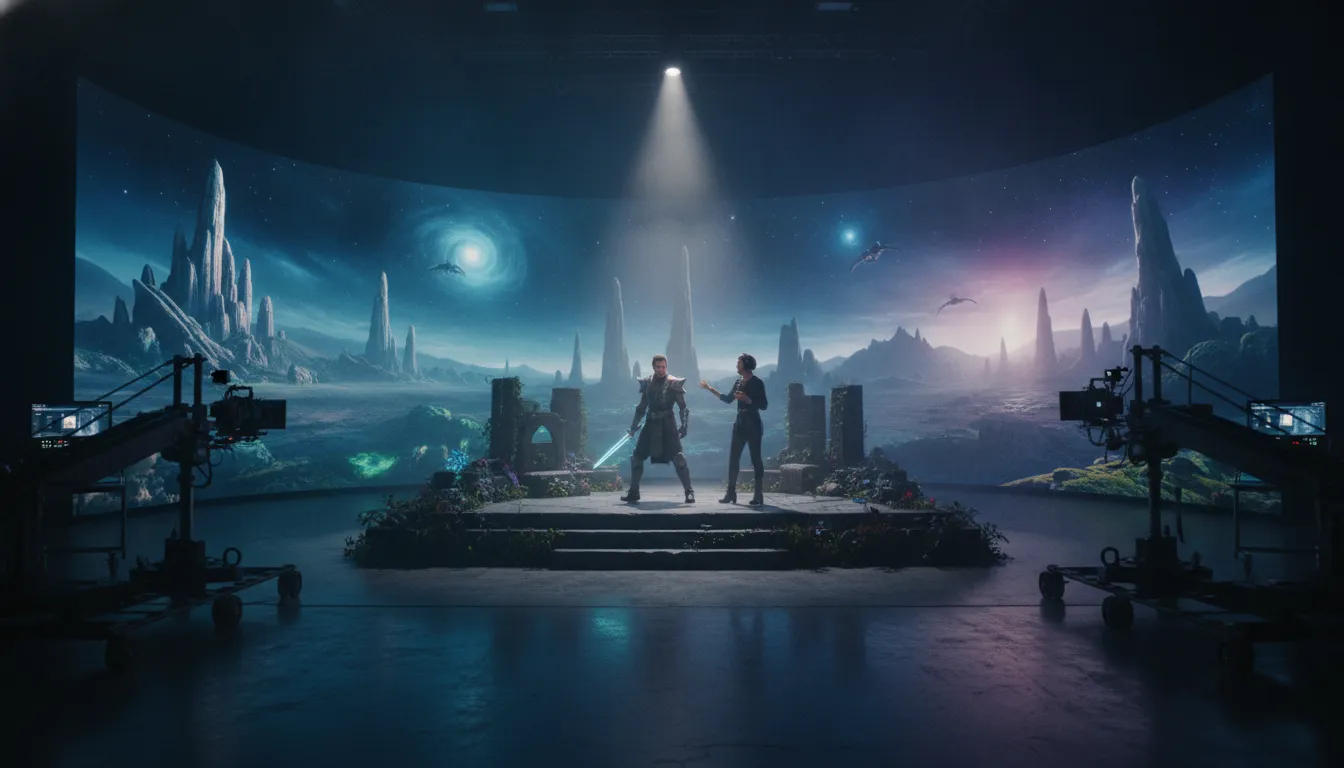

Real Time Virtual Production: A Guide for IP Holders
Production leaders are under pressure to make creative decisions earlier, while projects keep changing across departments, locations, and platforms. The strongest workflows do not treat virtual production as an LED wall or a single on-set technique. They connect previs, live rendering, interactive lighting, and camera tracking. The Virtual Art Department then helps creative and technical teams work from the same evolving picture.
Real time virtual production brings physical and digital environments into a shared, responsive workflow. Directors, cinematographers, designers, VFX teams, and IP stakeholders can assess choices in context. Teams can iterate before decisions become expensive and carry clearer visual intent from planning through capture and post.
That shift matters when a production must protect the coherence of a larger world while moving quickly. It begins by identifying which decisions become visible and collaborative. Teams can then design around real-time feedback and keep more choices reversible.
Explore Arctic7's real-time virtual production capability
What Does Real Time Virtual Production Change for a Production?
Real time virtual production connects physical performance, digital environments, camera data, lighting, and real-time rendering. It gives creative and technical teams a shared visual reference before and during the shoot, so more decisions can be tested while they are still practical to change.
Real time virtual production changes production from a sequence of separate handoffs into a connected creative workflow. It joins physical performance, digital environments, camera data, lighting, and real-time rendering. Teams can then evaluate more of the finished visual language while decisions are still being made.
In practical terms, real time virtual production connects physical performers and sets with digital environments during the creative process. A real-time engine can generate high-fidelity graphics across pre-production, production, and post-production. Directors, cinematographers, production designers, VFX supervisors, and Virtual Art Department teams can work from a shared visual reference. The approach blends traditional filmmaking with game-engine workflows rather than treating digital work as a separate stage. This virtual production workflow guide provides a related view of how those stages connect.
The strategic difference is clearest when compared with a traditional linear model. In a conventional production, teams generally move from concept and planning to filming, then into post-production. Important creative or technical questions may only become fully visible after a handoff. A location may not support the intended camera move. A background may alter the perceived light on an actor. A sequence may require a costly adjustment after the set has been struck.
A connected workflow brings more of those questions forward. Previs, virtual scouting, techvis, live compositing, and in-camera VFX can give stakeholders a common context before and during the shoot. The production still requires planning, craft, and post-production, but the feedback loop becomes more immediate. Directors can assess composition. Cinematographers can respond to the relationship between the subject and environment. Production designers can refine the world with clearer awareness of how it will appear on camera.
That shift also changes who participates in a decision. A digital environment is not only an asset for VFX. It can become a working space shared by creative and technical departments. Camera tracking, LED volumes, Unreal Engine scenes, practical elements, and lighting plans need to align. This encourages earlier collaboration between departments that might otherwise operate in sequence.
For IP holders, the value extends beyond a single shoot. A connected workflow can help protect visual continuity as a world expands across film, television, games, and immersive experiences. The right question is not whether a production should replace every traditional method. It is where real-time tools create better visibility, stronger alignment, or more useful iteration for the specific project. Arctic7's virtual production capability is designed around that broader production and worldbuilding perspective.
How Do Live Rendering and Interactive Lighting Work Together?
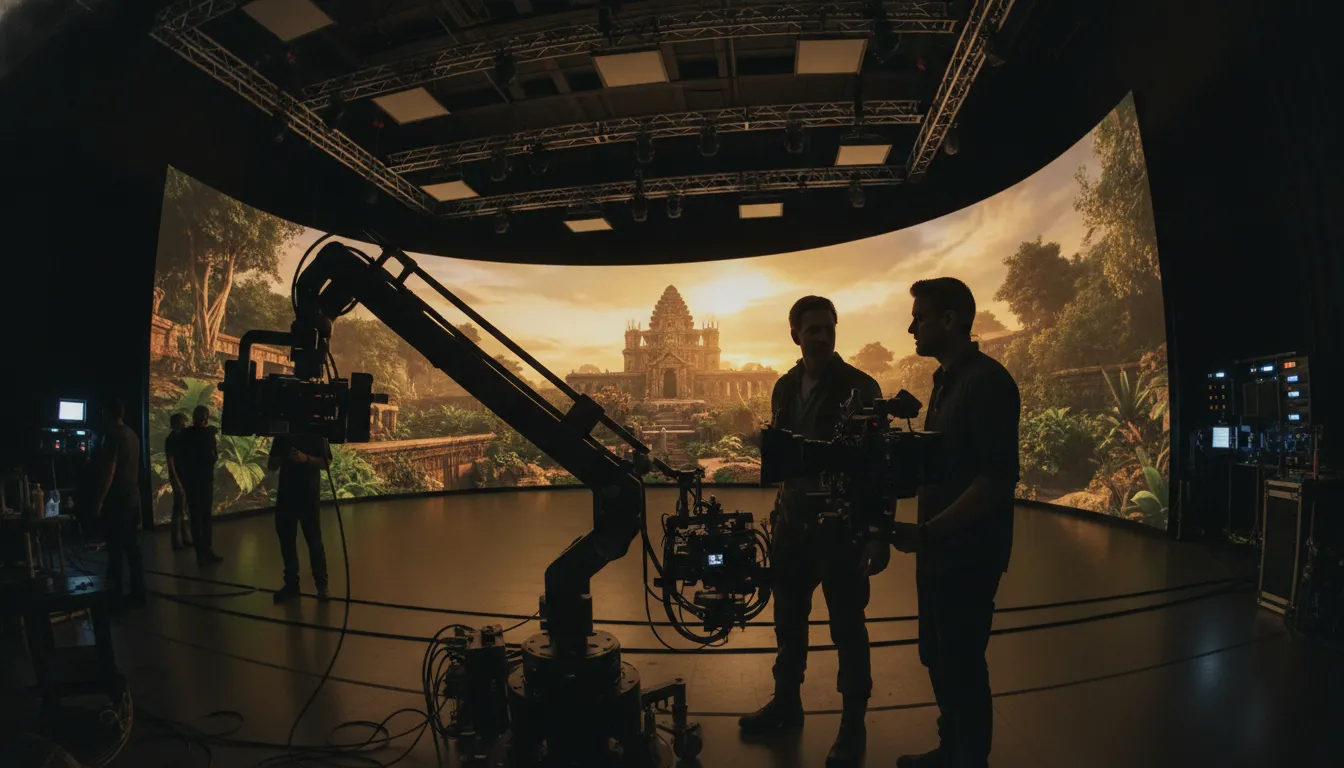
Live rendering generates a digital environment while a scene is being filmed. Camera tracking updates its perspective, and an LED volume displays the environment around the performers. The wall can also contribute interactive light, helping the crew judge composition, exposure, and the relationship between physical and digital elements on camera.
Live rendering and interactive lighting connect the digital environment to the physical stage, so the camera, performers, and crew respond to the same visual conditions. In real time virtual production, the LED volume is not simply a backdrop. It becomes an active part of the lighting and composition workflow, with the engine, tracking system, display, and fixtures working as one production system.
Real-time rendering generates the 3D environment as the scene is being filmed. Unreal Engine or another real-time engine can produce high-quality graphics instantly, while an LED volume displays the computer-generated background around the performers. This gives the director and cinematographer a visible relationship between the foreground action and the world behind it. The crew does not have to imagine the final composite from a green screen alone.
Tracking keeps the perspective credible
Camera tracking records the camera's movement and position. It allows the virtual environment's perspective to change with the lens and the shot. As the camera moves, the rendered background can respond instead of remaining a flat image. This relationship is central to in-camera visual effects because the virtual world must hold its spatial logic from the chosen viewpoint.
The result is a workflow in which the director of photography can assess framing, lens choices, depth, and the interaction between practical and digital elements while the scene is active. The crew can also test how props, set pieces, and actors sit within the wider environment. The Unreal Engine virtual production workflow offers a useful reference for this on-set decision-making.
Interactive light gives the digital world a physical presence
The LED wall contributes light as well as imagery. Changes in the rendered environment can alter the color and direction of light that reaches performers and the practical set. A sunrise, vehicle pass, storm, or glowing interface can inform the lighting design visible on camera. Controllable fixtures can supplement or refine the effect.
The exact setup depends on the stage, content, camera, and lighting plan. The principle is consistent: digital scenery and physical illumination are considered together. The cinematographer can judge exposure and contrast. Production design can evaluate materials against the environment. VFX and Virtual Art Department teams can identify mismatches before downstream revisions.
The Narwhal Studios virtual production team works across ICVFX, real-time visualization, Unreal Engine workflows, and LED volume production. This brings technical and creative considerations into one production conversation. For IP holders, the advantage is not a promise of automatic savings or a post-production-free process. It is a more immediate feedback loop for story, image, performance, lighting, and digital worldbuilding.
Why Does Previs Matter Before the Camera Rolls?
Previs turns creative intent into a shared, testable scene before a production commits full resources. Pitchvis, previs, techvis, virtual scouting, and postvis let teams examine story, camera, lighting, stage, and asset decisions at different points in the workflow. Each stage gives stakeholders better evidence before the next commitment.
- Start with pitchvis. Before a project is greenlit, pitchvis gives a creative idea a visual form. It can translate concept art, storyboards, or an animatic into a view of the world, characters, and sequences. That makes creative feedback more concrete for decision-makers without pretending that an early visualization is the finished film. Pitchvis is useful when an IP holder needs to communicate scale, tone, or world-building potential to multiple stakeholders. Realtime UK describes pitchvis as a way to visualize a creative idea ahead of greenlight.
- Use previs to solve the scene. As the idea moves toward production, previs visualizes the scene in 3D. Teams can block action, set cameras, refine lighting, and pose characters before building the physical setup or scheduling the shoot. It supports testing screen direction, eyelines, lens choices, pacing, and the relationship between live action and digital environments. Previs supports technical and creative problem-solving before full production.
- Convert creative intent into techvis. Techvis asks what the shot requires in the real world. It accounts for camera data, tracking, lenses, dollies, motion-control rigs, stage dimensions, and the interaction between physical and virtual elements. The result is a technical plan that lets departments understand their responsibilities before the camera rolls. In an LED-volume workflow, preparation can include checking the camera path, virtual perspective, lighting behavior, and movement limits.
- Scout the digital location. Virtual scouting lets directors, DPs, production designers, and other collaborators explore the environment before arriving on set. Using real-time rendering, a team can assess composition, pre-light a digital location, and discuss how actors will relate to the world around them. That shared reference reduces the risk of each department imagining a different version of the scene.
- Close the loop with postvis. After capture, postvis combines temporary CG or visual effects with live-action footage to preview the shot before full post-production. It can reveal whether the intended composition, scale, or integration is working. The decision loop is continuous. Pitchvis tests the idea, previs develops the scene, techvis prepares execution, virtual scouting aligns the team, and postvis validates the result. The work does not replace judgment on set or in post. It gives that judgment better evidence earlier. Explore this virtual production filmmaking workflow for a broader view.
Used well, these stages make real time virtual production more than a display technology. They create a common decision language across creative, technical, and production teams. This helps a project move from an ambitious idea to a shootable plan without losing its creative intent.
How Do Real-Time Workflows Connect Creative and Technical Teams?
Real-time virtual production gives creative and technical teams a shared decision environment. Directors, cinematographers, production designers, VFX supervisors, technical artists, Virtual Art Department teams, and producers can review the same scene and constraints. That alignment helps artistic intent and technical feasibility develop together instead of arriving through disconnected handoffs.
Real-time virtual production creates a shared decision environment for people who traditionally enter a project at different stages. Directors, directors of photography, production designers, VFX supervisors, technical artists, Virtual Art Department teams, and producers can evaluate the same scene, camera logic, and production constraints. The result is a more connected creative process in which artistic intent and technical feasibility develop together.
These workflows connect teams by making assets, approvals, and scene information visible across departments. A production designer can review how a digital environment supports the story. The DP can test composition and lighting. A technical artist can identify performance or tracking constraints. The VAD can prepare the environment for the intended stage and camera setup, while the producer can see how a change affects schedule and dependencies.
That shared visibility matters because virtual production affects cinematography, production design, VFX, animation, directing, and related disciplines, not just the stage crew. The National Film and Television School identifies the production designer, director of photography, technical artist, and Virtual Art Department among the key roles within virtual production. These roles work across the same creative and technical system, rather than handing work from one isolated department to the next.
Synchronized handoffs protect creative intent
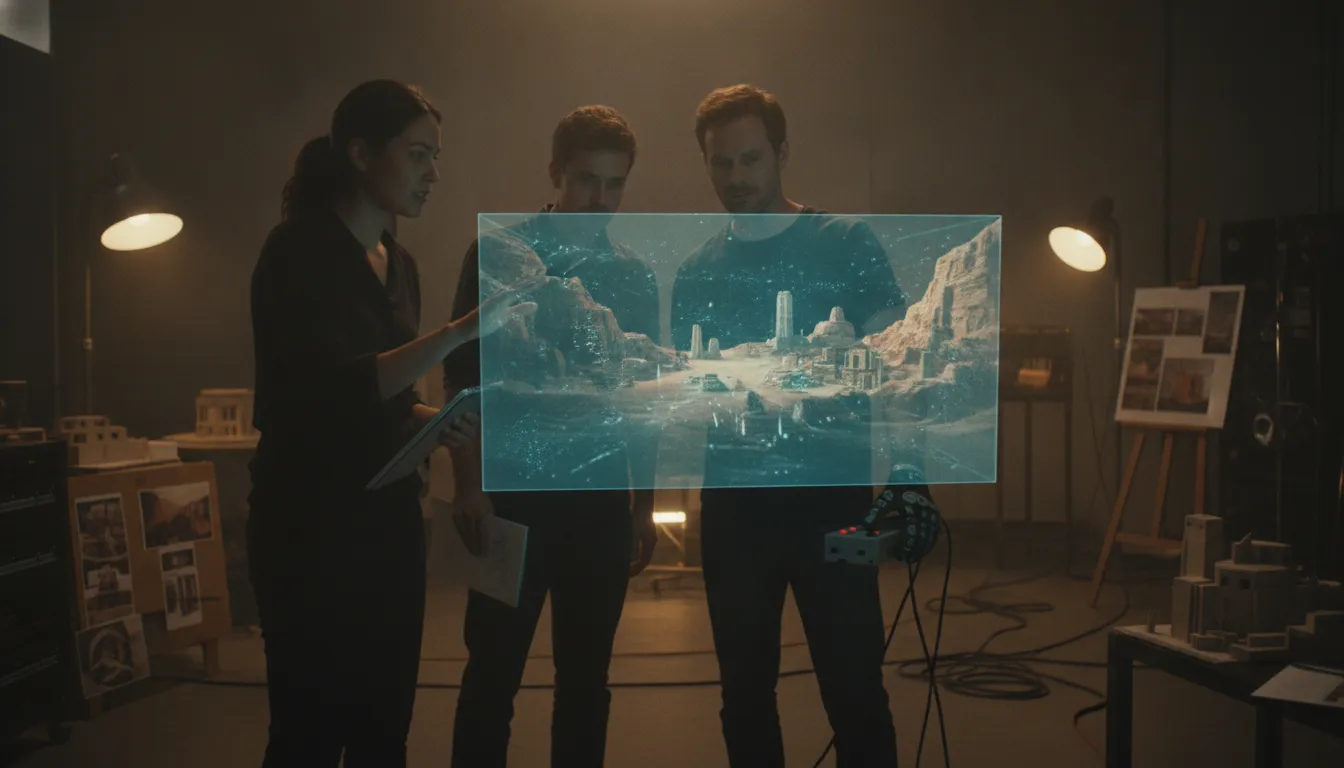
A synchronized handoff begins with a shared source of truth. The director's objectives, the DP's camera requirements, the production designer's world-building choices, and the VFX supervisor's integration needs should be translated into an environment the wider team can review. In an Unreal Engine workflow, that may include the scene, camera position, lighting setup, assets, and technical assumptions. Each department can then respond to the same version.
This changes the nature of review. Rather than waiting for a final asset or a later compositing stage, teams can identify conflicts during virtual scouting, previs, or on-set visualization. A set extension that looks compelling in a concept image may need a different scale for camera tracking. A lighting idea may require changes to the digital environment. These conversations become part of the workflow, not late-stage damage control.
Global teams can collaborate around the same production logic
Geographic distance adds another reason to formalize collaboration. A production may involve creative leadership in one country, a VAD team in another, and stage or post-production partners elsewhere. Arctic7 has developed real-time collaboration protocols for global productions. Teams can align on assets, review points, naming conventions, and decision ownership. The objective is not to make every team do the same job. It is to make each contribution legible to the others.
For IP holders, this operating model supports consistency across a wider entertainment ecosystem. Creative decisions can be documented and reused as a project expands across film, television, games, or immersive experiences. Arctic7's integrated entertainment services bring strategy, creative execution, and technical capabilities into a connected framework.
What Should IP Holders Evaluate Before Choosing a Workflow?
IP holders should evaluate a workflow against creative intent, previs maturity, stage and tracking readiness, team structure, asset interoperability, data handoffs, and post-production ownership. The right model is not the most advanced setup. It is the one that connects decisions across departments while protecting the IP's visual language and leaving clear room for finishing.
Start with the story and the property, not the hardware. Ask what the IP must preserve as it moves across film, television, games, or immersive formats. A workflow should make the world, characters, rules, and visual language easier to maintain, while giving directors and creative leaders enough flexibility to discover better choices. If the workflow is selected because a stage or engine is fashionable rather than because it serves the narrative, the production may inherit complexity without gaining meaningful creative control.
| Criterion | Questions to ask | Evidence of readiness |
|---|---|---|
| Story and IP needs | What must remain consistent across media, and which scenes benefit from real-time environments? | Documented creative priorities, world rules, reference material, and an agreed decision owner. |
| Previs maturity | Are pitchvis, previs, techvis, or virtual scouting needed before committing to the shoot? | Shot concepts, camera intent, blocking, technical constraints, and review milestones are visible to the team. |
| Stage and tracking | Can the selected stage, camera tracking, render system, and lighting approach support the required shots? | Tested camera, lens, tracking, render, and lighting workflows with known limitations and escalation paths. |
| Team model | Who owns creative direction, production design, technical art, VAD, on-set operations, and approvals? | Named leads, decision rights, shared review rituals, and a staffing plan matched to the production. |
| Asset pipeline | How will environments, characters, props, materials, animation, and lighting assets be created and versioned? | Agreed naming, versioning, quality, interchange, and ownership standards for digital and practical assets. |
| Data handoffs | Which camera, lens, tracking, scene, editorial, and metadata packages move between departments? | Documented handoff formats, storage, permissions, validation checks, and a traceable source of truth. |
| Post-production | Which work is captured in camera, and which remains in compositing, VFX, editorial, color, or sound? | A finishing plan that preserves flexibility, identifies cleanup and replacement needs, and defines final approvals. |
Previs maturity deserves particular attention. Previs can expose story, camera, lighting, and blocking questions before full production, while techvis translates creative intent into a plan for cameras, tracking, equipment, and departments. If those decisions remain implicit, an LED volume can become an expensive place to discover basic constraints. If they are visible early, the team can test assumptions and decide which shots genuinely warrant an ICVFX approach.
Stage and tracking readiness should be evaluated through representative tests, not a facility tour alone. Confirm that the camera, lens, tracking, render, LED, and lighting systems behave as a connected workflow. Then define what happens when a shot exceeds the tested envelope. A mature plan does not promise that every frame will be finished on stage. It explains how live-rendered imagery, practical elements, editorial references, and conventional VFX will work together.
Team and data questions are equally important. Virtual production crosses cinematography, production design, VFX, animation, directing, technical art, and the Virtual Art Department. The operating model should specify who can approve an asset, change a scene, alter a camera plan, or resolve a conflict between creative intent and technical feasibility. Shared reviews and clear version control prevent departments from making decisions against different files or assumptions.
Finally, evaluate post-production as part of the workflow from the beginning. Real-time production can provide immediate context and useful in-camera imagery, but it does not remove the need for editorial, compositing, VFX, color, sound, or final quality control. Review the virtual production tools available to the project, then map each tool to a specific decision, handoff, or finishing requirement. The strongest choice is a connected production system that serves the IP from first visualization through final delivery.
How Does Arctic7 Apply Real-Time Production to Worldbuilding?
Arctic7 connects real-time production to worldbuilding by treating environments, characters, and production decisions as parts of one evolving system. The goal is not simply to place performers in front of an LED volume. It is to help IP holders test, refine, and extend a world across film, television, games, and immersive experiences while preserving creative coherence.
Real-time virtual production brings physical and digital worlds together during the creative process. With ICVFX, Unreal Engine, real-time visualization, and a Virtual Art Department working in concert, teams can examine how a location behaves before and during a shoot. That shared visibility gives creative and technical leaders a more informed basis for decisions without assuming that every project follows the same workflow.
At Arctic7, real-time production is therefore a worldbuilding capability, not an isolated stage technology. It creates a practical connection between the logic of a game engine and the demands of cinematic production. The approach can support earlier alignment, more deliberate iteration, and a clearer path from a core IP concept to multiple expressions of that world.
From virtual environment to reusable world system
Narwhal Studios, Arctic7's virtual-production entity, pioneered Virtual Art Department workflows and was an early integrator of game-engine and film workflows. Its supported capabilities include ICVFX, virtual production, real-time visualization, Unreal Engine, LED volumes, and real-time collaboration protocols. Together, these capabilities allow a team to develop a digital environment with production use in mind, rather than treating world design as a one-time backdrop.
An LED volume can present a digital setting on stage while Unreal Engine renders the environment in real time. Camera tracking helps align the perspective of that environment with the physical camera, while the volume can contribute interactive light to the live-action scene. This creates a more connected relationship between the setting, the lens, the performers, and the creative intent. The specific workflow still depends on the project's requirements, assets, schedule, and team structure.
That connection matters for transmedia IP. A world developed for one production can inform future locations, visual rules, characters, or experiences when the underlying creative and technical decisions are documented and managed deliberately. It does not mean every asset transfers unchanged between formats. It does mean the team has a stronger foundation for deciding what should remain consistent and what should adapt.
Collaboration across the life of an IP
Arctic7 developed real-time collaboration protocols for global productions, supporting coordination among creative, production, VAD, and technical teams working across locations. This is particularly relevant when an IP must grow through several mediums. Shared visualization can make abstract discussions more concrete, while synchronized workflows help teams review changes before they become expensive or difficult to reverse.
For a closer look at the studio capability behind this approach, explore the Narwhal Studios virtual production team. You can also review the virtual production workflow to see how real-time methods fit within a broader production process. The value for an IP holder is measured less by novelty than by whether the workflow strengthens creative alignment and gives the world room to evolve.
Frequently Asked Questions
What does real time virtual production include?
It can include previs, techvis, virtual scouting, live compositing, and in-camera visual effects, not only filming on an LED volume. The right mix depends on the creative and technical decisions a production needs to make before, during, and after a shoot. Unreal Engine outlines these as core virtual-production applications.
Is virtual production expensive?
There is no universal price because the scope varies by stage, content, crew, technology, asset development, and shooting requirements. Treat it as a workflow decision rather than a guaranteed cost reduction. Previsualization and technical planning can help teams identify creative or technical issues earlier, but the project still needs a realistic production and post-production plan.
Does real time virtual production replace visual effects?
No. It changes when and where some visual decisions happen. LED environments and real-time rendering can bring virtual elements into the camera during filming. While postvis and final visual effects may still be required for refinement, replacement, cleanup, or shots outside the real-time setup. Postvis can preview shots before full post-production.
Who needs to be involved in the workflow?
Real-time production is cross-functional. Production design, cinematography, directing, VFX, animation, technical art, and the Virtual Art Department all influence the result. Bringing these roles into planning early helps align creative intent, camera requirements, environments, lighting, and on-set decisions instead of treating them as isolated handoffs. NFTS identifies these roles and disciplines in its virtual-production training overview.
Explore Arctic7's virtual production capability and get started
New Immersive & XR Media Capabilities Added to Arctic7's Suite of Games, Film & TV and Digital Services

Arctic7 Shares Details of its Work on Skeleton Crew and Cinematics Partnership with Fateless

The Human Touch: Adding Personality to Project and Product Management
Whether it’s your team, your client, or your stakeholders, understanding the human dynamics is just as critical as hitting milestones.

McDonald's Case Study: Bridging Brand and Play | Arctic7
Bridging Brand and Play: An Interview with Lindsay Blenkhorn Daggitt