
In-Camera VFX Services: What Producers Should Evaluate
Choosing in camera VFX services is not simply a matter of booking the biggest LED wall or comparing a day rate. Film and television producers need a partner that can connect stage infrastructure, camera tracking, real-time rendering, virtual art department planning, crew collaboration, and delivery requirements into one dependable production system. The right evaluation process starts before a stage booking: define the shots, identify the technical risks, and test how the service team works with your director, cinematographer, VFX supervisor, and production design departments.
Explore Arctic7's virtual production capabilities for your next production
What Are In-Camera VFX Services?
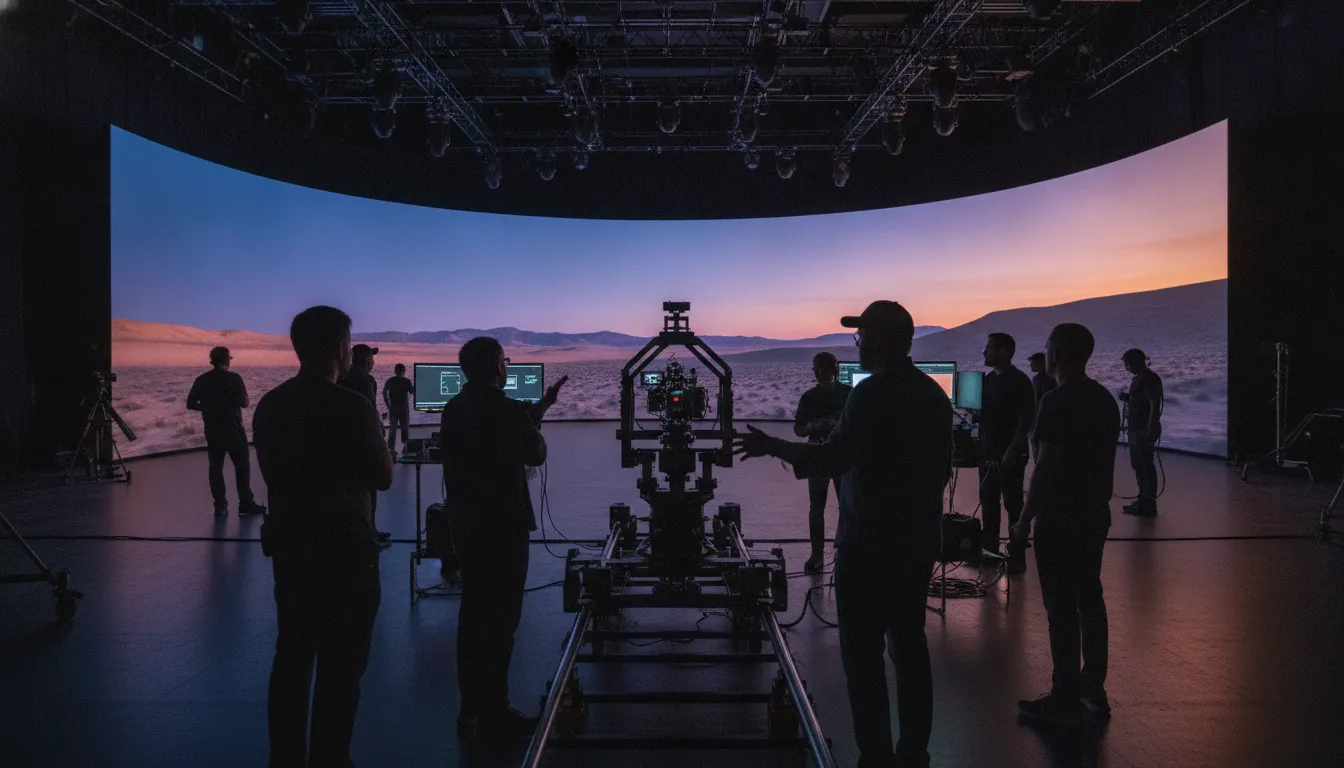
In-camera VFX services combine an LED volume or other display system, tracked cameras, real-time rendering, virtual environments, and on-set specialists so a production can capture visual effects and interactive lighting during principal photography. The service is not just stage rental. It is the coordinated delivery of creative, technical, and production decisions that make the shot reliable.
That distinction matters because an LED wall, by itself, does not solve perspective, color, frame synchronization, asset readiness, or crew communication. A producer is buying a workflow. Its quality is visible in the final image, but its value is determined much earlier, when the team scopes the work, prepares the environment, tests the camera move, and agrees on how changes will be approved.
Epic's In-Camera VFX documentation describes the process as a virtual production workflow that combines real-time engine renders with live camera capture. That definition is useful for procurement because it frames ICVFX as an integrated system, not a single piece of equipment.
1. Start with the stage, not the sales deck
A credible provider should be able to map its stage capabilities to your actual shot list. Ask for technical drawings, usable volume dimensions, ceiling height, camera and lighting limitations, load-in requirements, power and data specifications, and examples of shots produced on the same or a comparable configuration. A polished demo is useful, but it is not a substitute for production-specific evidence.
The most important stage questions include:
- What is the active shooting area? Separate the total LED footprint from the space where actors, camera, lighting, and safety equipment can operate comfortably.
- What is the wall and floor configuration? Curved walls, ceilings, and LED floors affect reflections, lighting continuity, camera angles, and the range of usable shots.
- What pixel pitch and refresh characteristics are available? The right configuration depends on camera distance, lenses, shutter settings, moire risk, and the level of detail required in the background.
- How are color and brightness managed? Ask how the team calibrates the wall, maintains consistency across panels, and handles the relationship between LED output and practical lighting.
- What happens outside the volume? A stage plan should account for greenscreen extensions, practical set pieces, tracking markers, lighting rigs, and the camera's off-wall frustum.
These questions turn a generic facility tour into a production-readiness review. They also reveal whether the provider understands the difference between a stage that looks impressive and one that can support repeatable coverage across a shooting schedule.
2. How should producers evaluate tracking and real-time rendering?
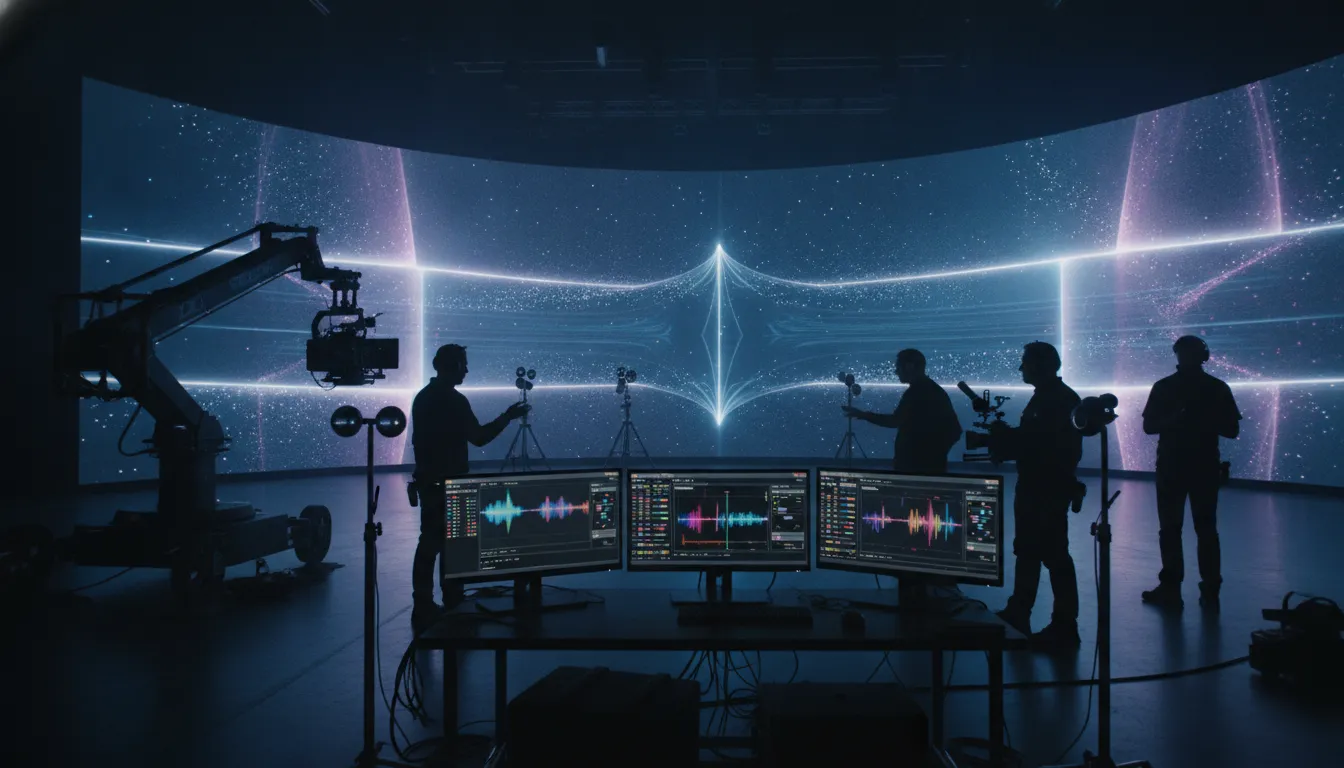
Producers should evaluate camera tracking and real-time rendering as one synchronized pipeline. Tracking must deliver accurate camera position, rotation, lens data, and timing to the render system, while the engine must produce the correct perspective and image at the required frame rate. A provider should demonstrate the complete chain with your lens package and a representative camera move.
Start by asking the technical team to explain:
- Tracking method: Is the system optical, inertial, encoded, or hybrid? What are its accuracy limits, calibration steps, and failure modes?
- Lens integration: How are focus, zoom, distortion, and nodal offset data captured and applied to the virtual camera?
- Render architecture: Which real-time engine, render nodes, media servers, and display processors are used, and how is the system scaled for the planned resolution and frustum?
- Latency and synchronization: How are timecode, genlock, framelock, and display timing monitored during a take?
- Monitoring and recovery: Who watches the tracking and render signals, what is logged, and how quickly can the team diagnose a dropped signal or mismatched frame?
This is not an invitation to choose technology by brand name. It is a test of whether the provider can explain how the system behaves under pressure. The technical team should be comfortable showing a camera move, changing a lens, adjusting the environment, and recovering from an intentional controlled fault without losing the production's confidence.
A SMPTE Journal paper on media transport for ICVFX describes how professional virtual production systems use synchronized LED output, clustered render nodes, SMPTE 2110, and precision timing protocols to maintain temporal coherence and spatial alignment. Producers do not need to implement that paper's architecture on every shoot, but they should expect a vendor to discuss synchronization in concrete terms rather than treating it as an invisible promise.
3. Evaluate the human system around the stage
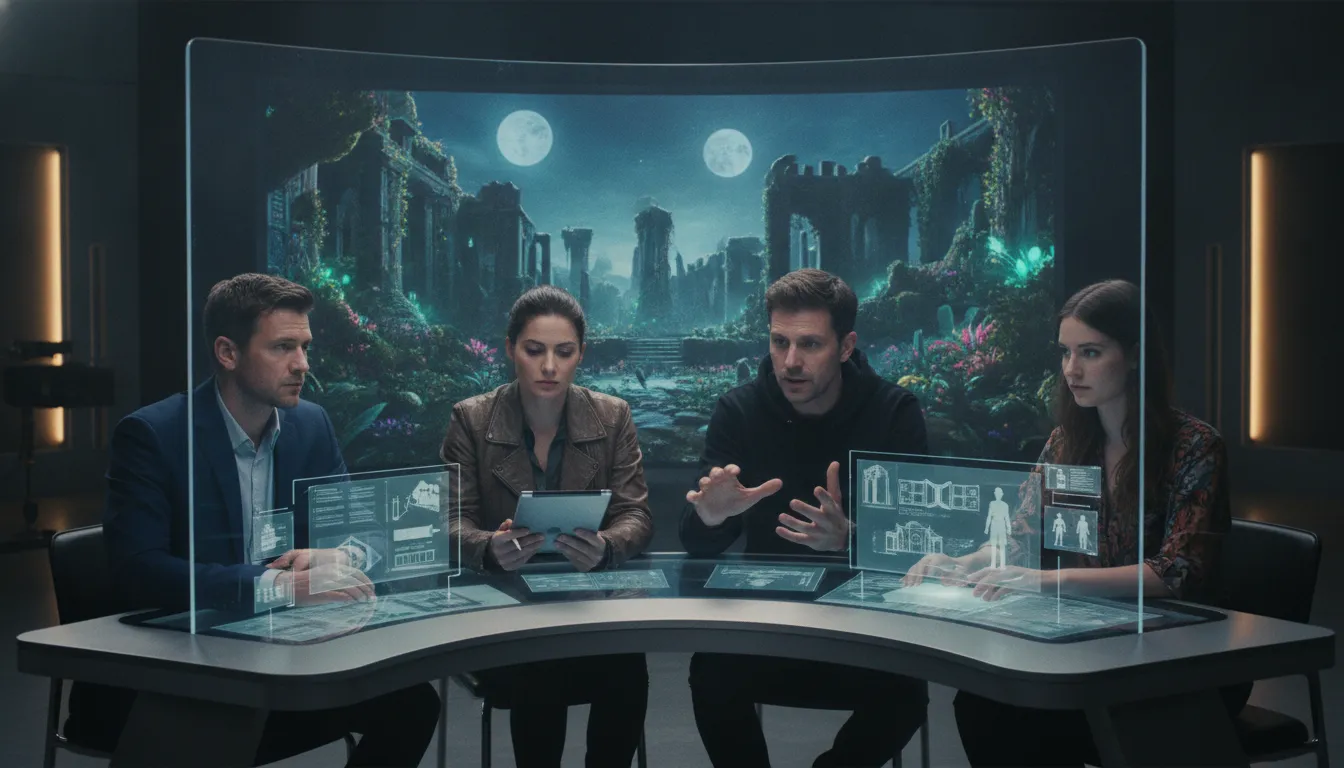
Successful in-camera VFX services depend on people as much as hardware. The team must translate creative intent into a virtual environment, help the director and cinematographer make informed choices, and keep technical changes from becoming production delays. Ask who is responsible for the virtual art department, environment preparation, real-time operation, tracking, lighting coordination, and final shot records.
A useful staffing conversation covers:
- Virtual production supervision: One person should own the relationship between the production plan, stage operation, and technical departments.
- Virtual art department: The VAD should define the digital environment, reference materials, set extensions, continuity rules, and approvals before the shoot.
- Real-time artists: Artists need enough access and authority to make safe changes on set without creating uncontrolled version drift.
- Camera and lens support: Tracking and lens calibration should be handled by specialists who understand the cinematographer's needs, not treated as a last-minute engineering task.
- Production communication: The provider should have a clear escalation path when a creative request affects render performance, tracking, schedule, or downstream work.
The best partner makes the stage easier for the existing crew to use. It does not create a parallel production language that only the vendor understands. Request a sample run-of-show, change-control process, and responsibility matrix. If the provider cannot explain who makes a decision when the director requests a new camera move, that ambiguity will appear on the day.
4. What should a delivery plan include?
An ICVFX delivery plan should define what is ready before the shoot, what is approved on stage, what is captured during each take, and what the post-production team receives afterward. Treating delivery as an afterthought creates avoidable disputes over files, versions, color, camera data, shot records, and the difference between an in-camera final and a plate that still needs substantial work.
Require the plan to answer these questions:
- What is the asset gate? Identify who supplies environments, textures, materials, animations, lighting references, and optimized engine assets, plus the dates for technical reviews.
- What is the shot gate? Define when a shot is ready for a camera test, creative approval, rehearsal, principal photography, and final capture.
- What is recorded? Confirm the camera media, lens metadata, tracking data, timecode, engine versions, scene versions, display settings, and take notes that will be retained.
- What is the color workflow? Agree on color management, viewing conditions, LED calibration, practical lighting references, and how the captured material enters the post pipeline.
- What changes are allowed on the day? Establish who can approve a change, how it is versioned, and how the team protects continuity across episodes, units, or reshoots.
- What is the handoff? Name the receiving post-production team and specify the format, naming convention, documentation, and support window for any technical questions.
Arctic7's Narwhal Studios describes its virtual production work as a bridge between visualization, VFX, game development, and film and television production. Its public profile notes work on six ICVFX projects with Lucasfilm and projects involving Netflix, Warner Bros., and Amazon. Those examples are not a guarantee for a new production, but they illustrate the kind of cross-disciplinary experience producers should ask a service partner to substantiate.
Compare service models before comparing day rates
In-camera VFX services can be purchased in different shapes. The right model depends on how much of the creative and technical workflow your production already owns. A lower facility rate may not be lower overall if your team must separately source virtual environments, tracking support, real-time operators, calibration, and delivery management.
| Service model | What it includes | Best fit | Primary risk to test |
|---|---|---|---|
| Stage and equipment rental | LED volume, basic stage support, and facility operations | Experienced productions with an established virtual art and technical team | Hidden coordination work remains with the producer |
| Managed ICVFX production | Stage, tracking, real-time rendering, calibration, operators, and on-set supervision | Productions seeking one accountable technical partner | Scope boundaries between vendor and production departments |
| End-to-end virtual production | Early visualization, VAD, environment development, stage execution, and delivery support | Complex worlds, recurring locations, or teams entering ICVFX for the first time | Asset ownership, approvals, and change control must be explicit |
| Hybrid specialist support | A provider adds selected tracking, rendering, VAD, or collaboration capability to an internal team | Studios with strong departments that need targeted capacity | Integration points and decision rights can become unclear |
Use the provider's scope document to normalize proposals. Compare the same assumptions for stage days, pre-light, tests, asset preparation, crew size, overtime, render requirements, travel, data management, and post-shoot support. The goal is not to force every supplier into one model. It is to see the total production responsibility behind each price.
How do you test an ICVFX vendor before booking?
The strongest vendor evaluation includes a bounded technical test using a representative lens, camera move, environment, lighting condition, and workflow handoff. The test should produce evidence that your creative and technical leads can review together. A test is successful when it reduces uncertainty about the actual production, not when it produces the most spectacular demo image.
Build a test around these steps:
- Bring a real shot: Use a representative scene with the intended camera, lens, movement, actor blocking, practical lighting, and environment complexity.
- Stress the pipeline: Test a foreground change, a tracking recalibration, a lighting adjustment, and a render setting that reflects your expected coverage.
- Review with every department: Invite production design, cinematography, VFX, editorial, post, and the director's representatives to identify different risks.
- Capture the records: Request a sample of the shot log, camera and tracking data, engine scene version, color notes, and handoff documentation.
- Score the working relationship: Note response times, explanation quality, change discipline, and whether the vendor listens to creative intent.
Do not limit the review to the final frame. Watch the process. A partner that explains compromises early, flags an unsafe assumption, and documents a change is often more valuable than one that hides complexity until the stage is booked.
Build a decision matrix your production can defend
A decision matrix turns an ICVFX shortlist into an accountable production decision. Score each provider against the requirements that matter for your show, assign the highest weight to risks that could affect schedule or image quality, and record the evidence behind every score. The matrix should make tradeoffs visible to studio leadership, not replace professional judgment.
| Evaluation area | Evidence to request | Why it matters |
|---|---|---|
| Stage fit | Stage plan, usable volume, test results, safety and access plan | Confirms the facility supports the planned shots |
| Tracking and rendering | Camera and lens test, timing diagram, monitoring and recovery plan | Reduces perspective, latency, and continuity risk |
| Creative collaboration | VAD process, approval map, sample run-of-show, named leads | Connects technical delivery to the director's intent |
| Delivery readiness | Data specification, color workflow, shot records, handoff example | Protects post-production and future revisions |
| Relevant experience | Comparable productions, references, and lessons learned | Tests whether the vendor has solved similar problems |
| Commercial clarity | Scope, assumptions, change rates, schedule, and ownership terms | Prevents a low headline quote from hiding production cost |
For broader context, Arctic7's virtual production workflow guide, pipeline guide, and tools guide explain the connected stages of virtual production. Producers can also review how an Unreal Engine virtual production studio operates and the workflow in filmmaking before writing an evaluation brief.
Discuss an ICVFX production brief with Narwhal Studios
Frequently Asked Questions
What is the difference between an LED volume and in-camera VFX services?
An LED volume is the display and stage environment. In-camera VFX services include the people, systems, preparation, tracking, rendering, calibration, operations, and delivery workflow needed to use that stage for production. A stage can be rented without receiving the broader technical and creative support an ICVFX shoot requires.
When should a production bring an ICVFX provider into planning?
Bring the provider into planning as soon as the production has representative shots, environments, camera intentions, and schedule constraints to discuss. Early involvement lets the team identify which assets need optimization, which shots need a stage test, and where a practical set, greenscreen, or post-production extension may be more efficient.
What technical information should an ICVFX proposal include?
An ICVFX proposal should include the stage configuration, active shooting area, LED and render specifications, tracking and lens workflow, synchronization approach, crew responsibilities, asset assumptions, test plan, data handoff, schedule, change process, and commercial exclusions. Without those details, proposals are difficult to compare and production risk remains hidden.
Can in-camera VFX replace all post-production visual effects?
In-camera VFX can capture many shots with final or near-final backgrounds, lighting, reflections, and interactive perspective, but it does not eliminate every post-production task. Productions may still need cleanup, set extensions, compositing, color work, editorial changes, or visual effects for elements that were not practical to capture on stage.
How should a producer compare ICVFX service providers?
Compare providers against the same representative shot and the same scope assumptions. Evaluate stage fit, tracking and rendering, crew collaboration, asset preparation, delivery documentation, relevant experience, schedule resilience, and commercial clarity. A technical test and named responsibility matrix are more useful than a facility tour or headline day rate alone.
Make the service decision before the stage day
The value of in-camera VFX services is created before the camera rolls. Producers who define the shot requirements, test the synchronized pipeline, involve the right departments, and document the handoff can use virtual production as a controlled creative system rather than a last-minute technology bet. The right partner will welcome that level of evaluation because it turns ambition into a plan the entire crew can execute.
Arctic7 brings virtual production, technical development, cinematic storytelling, and transmedia strategy into one connected capability. Through Narwhal Studios, its teams help productions bridge virtual art department planning, real-time environments, and on-set execution while keeping the creative objective in view.
See how Arctic7 connects virtual production and cinematic storytelling.
New Immersive & XR Media Capabilities Added to Arctic7's Suite of Games, Film & TV and Digital Services

Arctic7 Shares Details of its Work on Skeleton Crew and Cinematics Partnership with Fateless

The Human Touch: Adding Personality to Project and Product Management
Whether it’s your team, your client, or your stakeholders, understanding the human dynamics is just as critical as hitting milestones.

McDonald's Case Study: Bridging Brand and Play | Arctic7
Bridging Brand and Play: An Interview with Lindsay Blenkhorn Daggitt