Unreal Engine Cinematics for Games, Film, and TV
Unreal Engine cinematics are no longer limited to a finished game's story scenes. For producers, IP holders, and creative leads, they can become a shared production language for developing a story, testing a trailer, planning a virtual shoot, and carrying a world across formats. The opportunity is real, but only when the pipeline serves the creative decision rather than becoming a technology showcase.
Unreal Engine cinematics use real-time 3D scenes, animation, cameras, lighting, and effects to develop and deliver story sequences. Their production value comes from earlier feedback, reusable assets, and closer collaboration between creative and technical teams. A successful pipeline connects those capabilities to a clear brief, governed handoffs, and a defined final image standard.
Explore Arctic7's transmedia production services
What Are Unreal Engine Cinematics?
Unreal Engine cinematics are story-driven sequences created and assembled inside Unreal Engine, usually with tools such as Sequencer, Control Rig, animation systems, virtual cameras, lighting, effects, and rendering workflows. They can support an in-game cutscene, a game trailer, a pitch sequence, previs for a film or television production, or a visual proof of concept for an expanding entertainment property.
The important distinction is not simply that the images are rendered in real time. It is that the team can see and revise many connected decisions in the same interactive environment. A camera change affects composition. A timing change affects performance. A lighting change affects mood and readability. An environment change affects the shot and the wider continuity of the world.
Epic Games' Virtual Production Field Guide describes previs, pitchvis, techvis, and related visualization practices as ways to create a shared vision before and during production. Unreal Engine is useful in that context because it can bring a higher-fidelity, interactive representation of the scene into reviews earlier than a final render pipeline normally allows.
That does not make every viewport preview a finished image. Final delivery may require higher resolution, motion blur, temporal sampling, compositing, color management, or other finishing work. The production question is not simply whether the engine can make a cinematic. Teams should decide which creative and production decisions the engine will support. They should also define the delivery path that will finish those decisions.
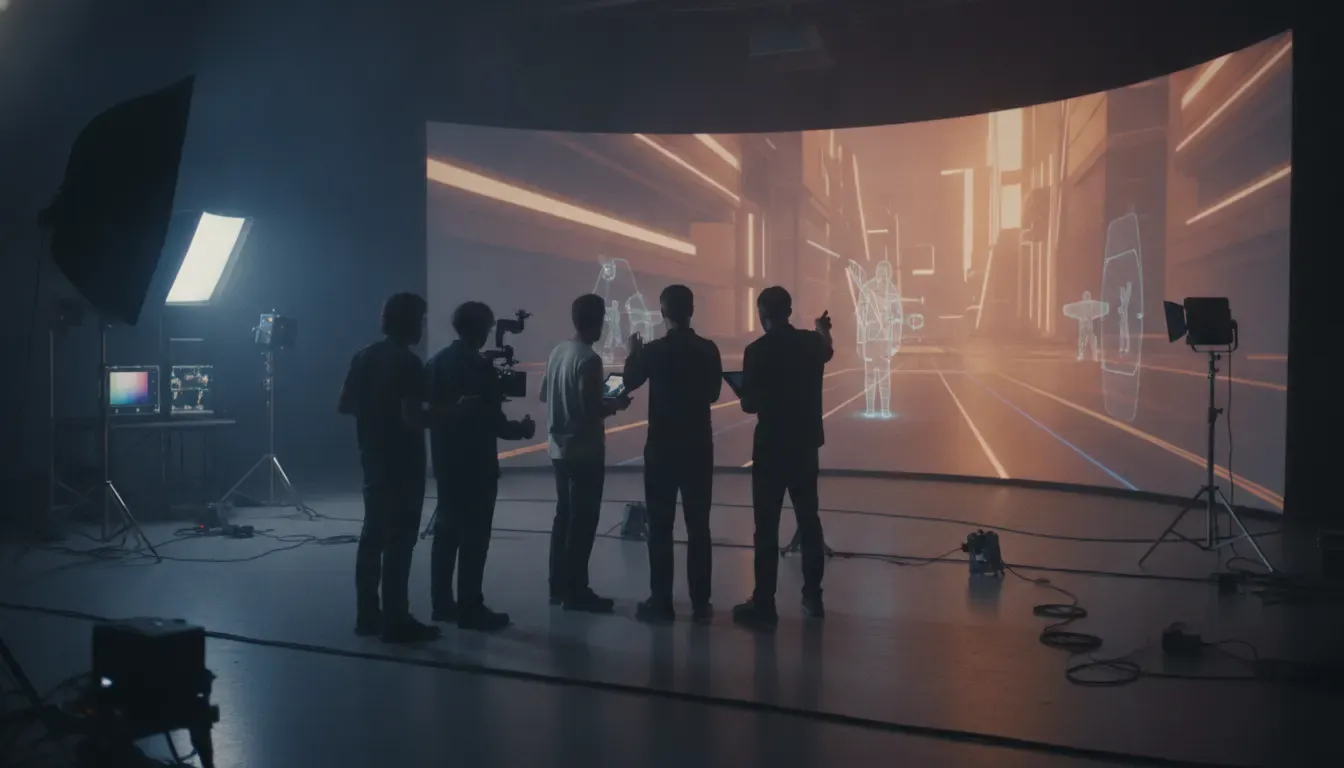
How Does Unreal Engine Support the Cinematic Pipeline?
Unreal Engine supports the cinematic pipeline by keeping story, shot, asset, and rendering decisions visible in one real-time scene. Teams can block a sequence, review camera coverage, test animation, change a location, and prepare a render without waiting for every idea to pass through a disconnected handoff. The value is speed with context, not speed without judgment.
1. Previs and story development
Previsualization turns a script, storyboard, or creative idea into a sequence that can be reviewed in motion. Producers can assess whether a beat reads, directors can explore coverage, and departments can identify risks before a physical shoot or expensive final animation pass. For an IP holder, previs also makes it easier to test whether a world, character, or visual rule is working before committing to a larger expansion.
2. Real-time rendering and review
Real-time rendering gives a team immediate visual feedback while it changes a scene. This is especially useful for reviews that involve multiple disciplines. A producer may be checking schedule risk, a cinematographer may be checking lensing and movement, and a technical artist may be checking performance. The shared scene makes those conversations more concrete.
3. Sequencer and shot assembly
Sequencer provides the timeline for assembling cinematic action, cameras, animation, transforms, effects, and timing. In practice, the tool matters less than the discipline around it. Naming conventions, version control, shot ownership, review gates, and clean handoffs are what keep a sequence from becoming an untraceable collection of experiments.
4. Rendering and finishing
Unreal Engine's Movie Render Queue is designed for high-quality image sequence and movie output, with reusable settings and batch processing. A team can use the interactive scene for review, then define a controlled render configuration for delivery. That separation helps producers protect responsiveness during iteration without confusing a working preview with the approved master.
| Pipeline stage | Unreal Engine contribution | Production decision |
|---|---|---|
| Story development | Previs, pitchvis, and interactive blocking | Does the idea read before full production? |
| Shot design | Virtual cameras, Sequencer, and live scene review | Do framing, movement, and timing serve the beat? |
| World building | Reusable environments, materials, characters, and lighting | Can the world stay coherent across deliverables? |
| Delivery | Movie Render Queue and controlled output settings | Does the final render meet the agreed quality standard? |
Which Production Decisions Improve When Teams Use Unreal Engine Cinematics?
Unreal Engine cinematics improve decisions that are difficult to judge from static boards or disconnected departmental files. The biggest gains tend to appear in four areas: story clarity, camera language, iteration cost, and continuity between formats. The engine does not make those decisions automatically. It gives the team a faster place to see consequences and compare options.
- Story clarity: See whether an action, reveal, or emotional turn reads in sequence.
- Camera language: Test lens choices, movement, framing, and coverage against the intended tone.
- Iteration: Compare versions while creative context is still fresh, before decisions harden downstream.
- Production planning: Expose set, asset, animation, tracking, and rendering risks earlier.
- Continuity: Reuse approved world rules and visual references across trailers, games, film, and television.
These advantages are most valuable when a project has meaningful creative uncertainty. If the sequence is already fully specified and only needs a predictable export, a conventional pipeline may be simpler. A producer should choose real-time cinematics where earlier visibility changes the quality or economics of the decision, not because the tool is fashionable.
Arctic7's guide to real-time cinematics covers the broader workflow and its role in connected entertainment. The Unreal Engine-specific question is narrower: how should a team organize the engine so it supports decisions across a production, rather than producing an impressive isolated demo?
See Arctic7's game development capabilities
What Makes Asset Reuse Work Across Games, Film, and TV?
Asset reuse works when teams design for interoperability, ownership, and purpose from the beginning. A model can be technically reusable yet creatively wrong for a different format. A game asset may need new materials, rigging, facial work, level of detail, or lighting before it can support a cinematic or a virtual production shot. Reuse is therefore a production strategy, not a promise that one file can serve every output unchanged.

A practical cross-format asset plan should define:
- Source of truth: Which version of the character, environment, material, or prop is approved?
- Usage rights: Where can the asset appear, and who can modify it?
- Technical variants: What are the requirements for gameplay, cinematic rendering, LED work, and final compositing?
- Visual guardrails: Which proportions, colors, silhouettes, and behaviors protect the identity of the IP?
- Review ownership: Who approves a change that affects more than one format?
This is where an engine pipeline intersects with transmedia strategy. Arctic7's virtual production pipeline guide and Narwhal Studios capabilities show how real-time environments can support film and television workflows. The same principle applies to game cinematics: the asset is valuable when its design, metadata, and approvals make it useful to more than one team.
How Should Teams Evaluate Camera Language and Iteration?
Teams should evaluate camera language as part of the storytelling system, not as a late layer of polish. Unreal Engine makes it possible to place a virtual camera, adjust movement, compare lenses, and review the result in context. That flexibility is powerful, but it can also encourage endless experimentation. A strong process connects each camera choice to the beat, audience attention, character perspective, and final format.
Start reviews with a clear question. Is the reveal too early? Does the camera make the character feel isolated? Does the trailer communicate the game's central promise in its first few seconds? Does the virtual-production shot preserve the intended geography? By framing review around an outcome, the team can use real-time iteration without mistaking motion for progress.
Iteration also needs a stopping rule. Establish who can request a change, which version is under review, what evidence supports approval, and when the sequence moves to final rendering. This protects the schedule while keeping the creative process responsive. The best Unreal Engine cinematics pipelines make iteration cheaper, not infinite.
When Is an Unreal Engine Cinematics Pipeline the Right Choice?
An Unreal Engine cinematics pipeline is a strong fit when a project needs fast visual decisions, reusable world assets, or a bridge between game and screen production. It is particularly useful for teams developing a new IP, adapting an existing world, or coordinating creative stakeholders across games, film, television, and immersive experiences.
Before selecting the pipeline, ask:
- Which decisions must become visible earlier than a traditional workflow allows?
- Will the same world, characters, or visual language support more than one deliverable?
- Who owns the asset, version, and approval system?
- What final image standard, render path, and finishing work are required?
- Does the team have the creative, technical, and production leadership to govern iteration?
The answers matter more than a technology list. A production partner should be able to connect narrative development, cinematic craft, technical art, virtual production, and delivery planning. Arctic7's Godforge cinematics case study illustrates the breadth of a cinematic pipeline from storyboards through environment creation, character animation, motion capture, VFX, composition, and rendering. Its Ant-Man and the Wasp: Quantumania case study shows how real-time planning and virtual production can coordinate complex creative decisions at scale.
For a project that needs both game-engine fluency and cross-format thinking, the right partner is not simply the team with the most impressive demo. Look for a partner that can explain what the pipeline will make easier, where it introduces risk, how assets will be governed, and how creative intent will survive each handoff.
For producers, this evaluation is also a resourcing decision. A cinematic pipeline may involve narrative design, previs, animation, technical art, virtual cinematography, environment work, rendering, and editorial. Define the review cadence and decision owners before production begins. That keeps each department aligned with the story and prevents the engine from becoming an isolated technical workstream.
A partner should also explain the handoff into the next format. A trailer may need a shorter cut, a game may need interactive variants, and a virtual production stage may need a different asset or lighting setup. The strongest pipeline preserves the approved creative logic while adapting the deliverable to its audience and technical constraints.
Talk with Arctic7 about real-time production for your IP
Frequently Asked Questions About Unreal Engine Cinematics
What are Unreal Engine cinematics used for?
They are used for game cutscenes, trailers, previs, pitchvis, virtual production planning, animated sequences, and cross-format world development. The same real-time scene can help teams test story, cameras, environments, and timing before final rendering or physical production.
Can Unreal Engine be used for film and television cinematics?
Yes. Unreal Engine can support previs, virtual cinematography, virtual production, environment development, and final or near-final rendering workflows. The exact role depends on the project, the stage setup, the delivery standard, and the finishing pipeline.
What is the difference between previs and a final cinematic?
Previs is a planning and decision-making version of a sequence. It helps a team test story, staging, camera, timing, and production requirements. A final cinematic is an approved deliverable that may require higher-quality assets, animation, lighting, rendering, compositing, and color finishing.
Does asset reuse mean one asset can work everywhere?
No. Reuse means a source asset and its creative rules can support multiple outputs with managed variants. Games, trailers, LED stages, and final film renders may require different levels of detail, materials, rigging, lighting, performance, or technical delivery.
How do producers keep real-time cinematic projects on schedule?
Set a clear brief, assign ownership, establish naming and version rules, define review gates, document the final image standard, and use outcome-based change requests. A stopping rule for iteration is as important as the ability to iterate quickly.
New Immersive & XR Media Capabilities Added to Arctic7's Suite of Games, Film & TV and Digital Services

Arctic7 Shares Details of its Work on Skeleton Crew and Cinematics Partnership with Fateless

The Human Touch: Adding Personality to Project and Product Management
Whether it’s your team, your client, or your stakeholders, understanding the human dynamics is just as critical as hitting milestones.

McDonald's Case Study: Bridging Brand and Play | Arctic7
Bridging Brand and Play: An Interview with Lindsay Blenkhorn Daggitt