
Unreal Engine vs Unity for Game Development Guide
A mismatch between your team and your game engine often leads to stalled builds and high technical debt. This friction is why leading studios choose engine fit when choosing a co-development partner.
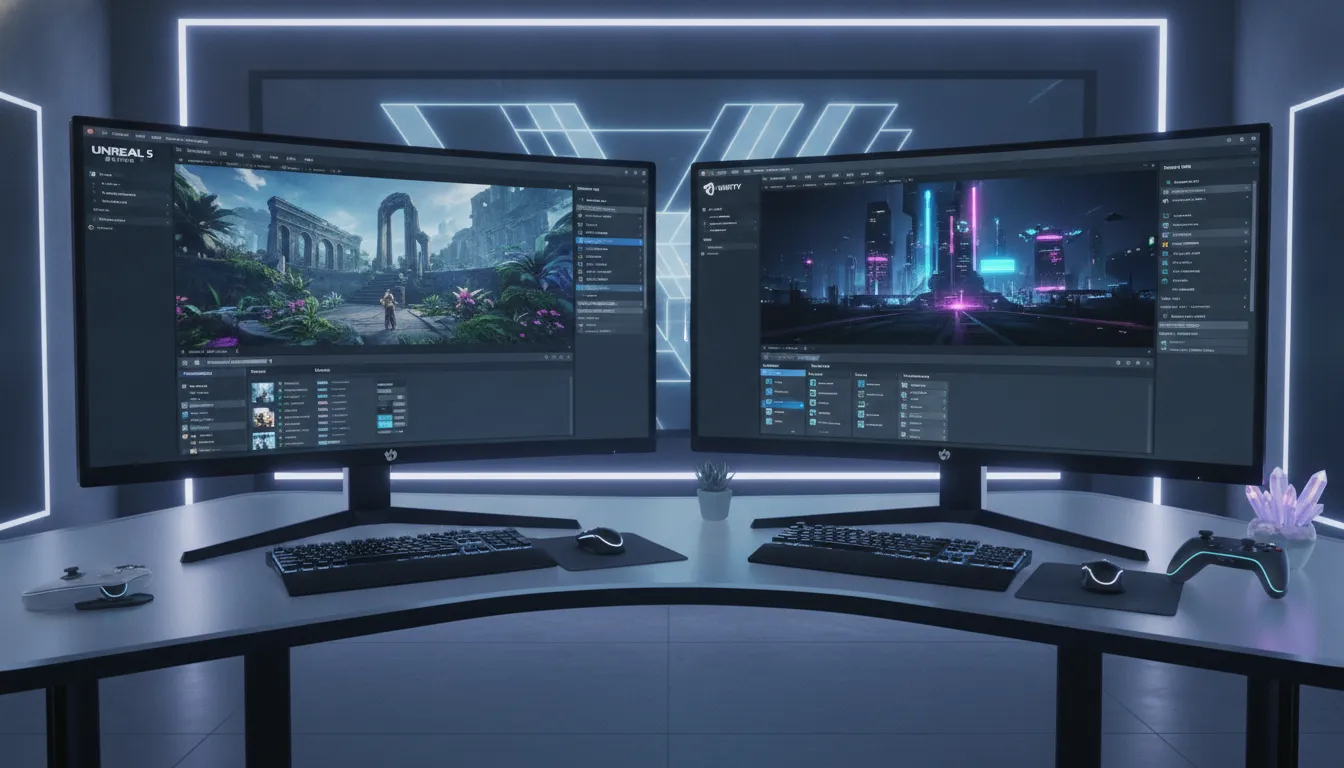
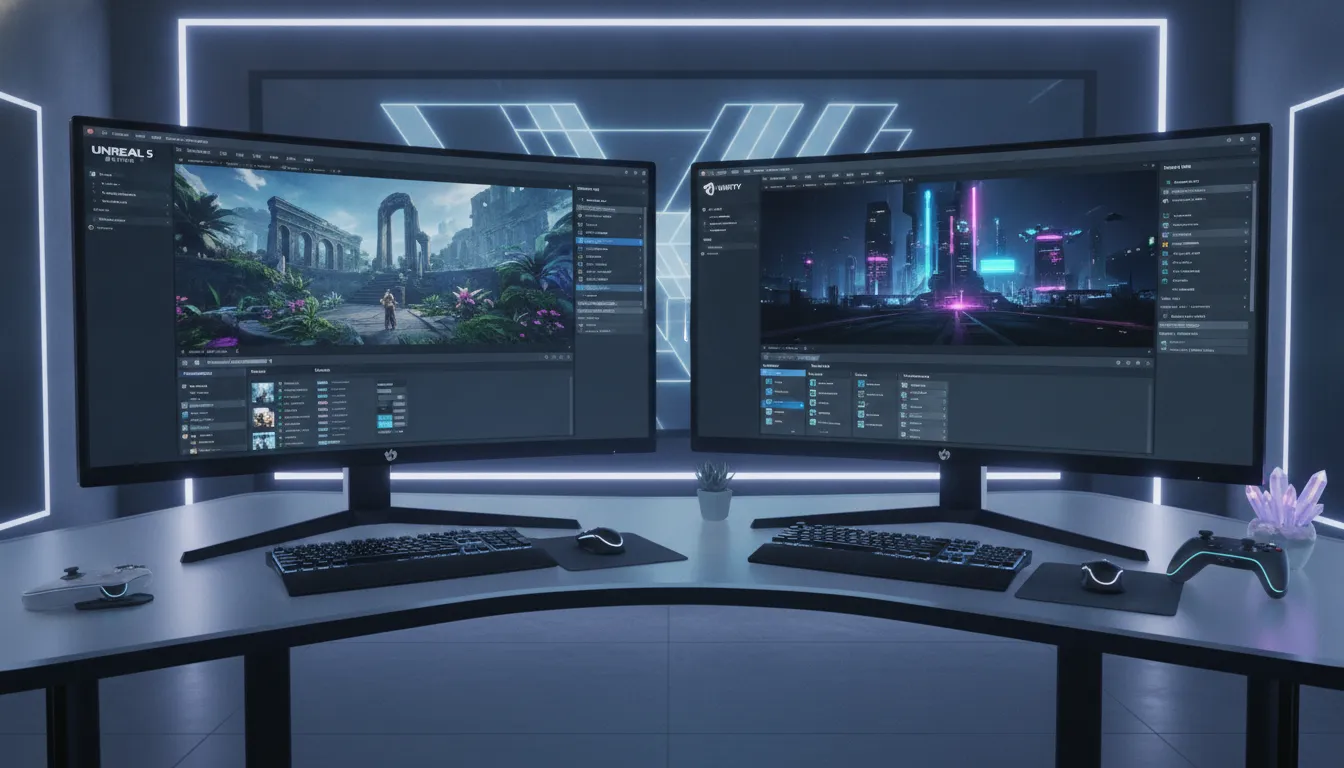
Unreal Engine vs Unity for game development is a choice that depends on team size, skills, and platforms; each engine offers great gains for many types of games. Large technical teams gain from the deep control of Unreal Engine, while smaller creative teams often prefer the rapid work and the easy tools found in Unity. Choosing a co-development partner with a deep background in your engine cuts the risk of delays; this is vital for your project, your budget, and your time.
See Our Game Development Services , Arctic7 has delivered Unreal and Unity projects across AAA consoles, mobile, and XR. We help you pick the right engine and build the team to ship.
Both engines offer massive power, but their internal structures change how your developers work every day. You must look at how they handle code and art before you commit your budget. The path toward a final choice begins with understanding the core differences between these two engines.
Unreal Engine Vs Unity For Game Development: What Are the Key Differences Between Unreal Engine and Unity?
Choosing the right engine is a vital step for any team. Each engine has a unique setup that changes how you build and optimize games. At Arctic7, we use both Unreal Engine and Unity to help our partners reach their goals. Knowing the key traits of these tools helps you pick the best fit for your needs.
Coding languages and scripting
Unreal Engine uses C++ as its main language. This gives you full access to the source code of the engine, letting teams build custom features and fix deep bugs. For non-coders, Unreal offers Blueprints , a visual tool that lets designers and artists build logic without writing code.
Unity uses C# for its scripts. Many find C# easier to learn and faster for making prototypes. Unity is a top choice for teams that need to move fast and ships well across many game types.
- Unreal Engine: C++ source access, Blueprints visual scripting, deep engine control
- Unity: C# scripting, faster prototyping, large plugin ecosystem
Performance and design philosophy
Both engines boost speed in different ways. Unity uses a data-oriented design called the Entity Component System (ECS) to move logic away from heavy objects and improve performance in games with many moving parts. Unreal Engine relies on C++ memory management and SIMD operations to handle complex scenes efficiently. Modern engines use data-oriented design to make sure your game stays smooth on all screens.
Workflow for teams
The choice between engines also changes how your team works. Unreal is often the pick for high-end graphics and large teams. Unity is known for being easy to use across many platforms and is a strong pick for mobile and cross-platform titles. As a part of our professional game development services, we help you decide which path fits your vision and your team size.
Graphics and Rendering: When High Fidelity Matters
High-end graphics often decide which engine a team picks. Unreal Engine is the top choice for high-fidelity graphics in AAA games. It uses tools like Nanite and Lumen to manage complex shapes and real-time light, helping teams build large, detailed worlds without losing speed.
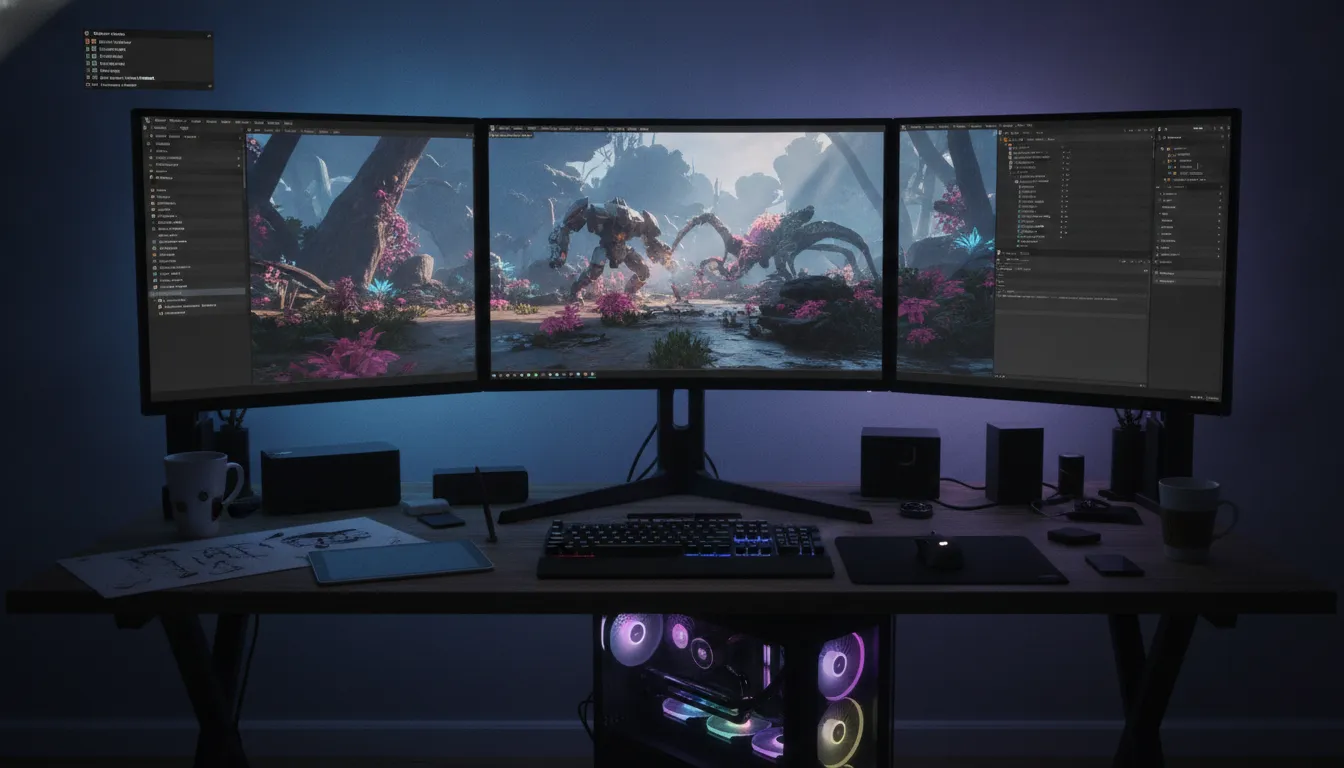
Unreal Engine and cinematic visuals
The rendering tools in Unreal Engine do more than just make games look good. Tools like Lumen and Nanite allow for dynamic light and dense geometry. This power is why many film and TV studios use it for virtual production. Arctic7 helps partners use these tools through Narwhal Studios, bridging the gap between game art and film-quality visuals.
Asset pipelines also run faster with these tools. Unreal Engine has deep links to apps like Maya and 3ds Max, helping artists move 3D assets into the engine with fewer errors. For projects that need a blockbuster look, these workflows are a huge plus.
Unity rendering and performance tiers
Unity takes a different path by offering tiers for rendering. It has tools that help games run on everything from phones to high-end PCs. This flexibility is key for mobile game development and cross-platform play. While Unity may not hit the same visual peaks as Unreal out of the box, it offers great control over how a game runs on different hardware.
Unity also uses data-oriented design to boost speed. Its Entity Component System (ECS) helps manage complex scenes by reducing CPU load , helpful for large sims or strategy games. For a co-development partner, Unity is often the best choice for reaching the widest audience on many devices.
Choosing the right engine for your IP
The choice between Unreal Engine and Unity for game development depends on your goals. If your IP needs to expand into film or high-end VR, Unreal is usually the best fit. If you want to launch on many devices with one codebase, Unity has the edge. As a platform-agnostic partner, Arctic7 helps you choose based on what your project needs.
- Choose Unreal Engine for: AAA graphics, cinematic quality, virtual production, complex simulations
- Choose Unity for: Mobile-first titles, broad platform reach, fast prototyping, 2D and stylized games
Which Engine Has Better Platform Reach?
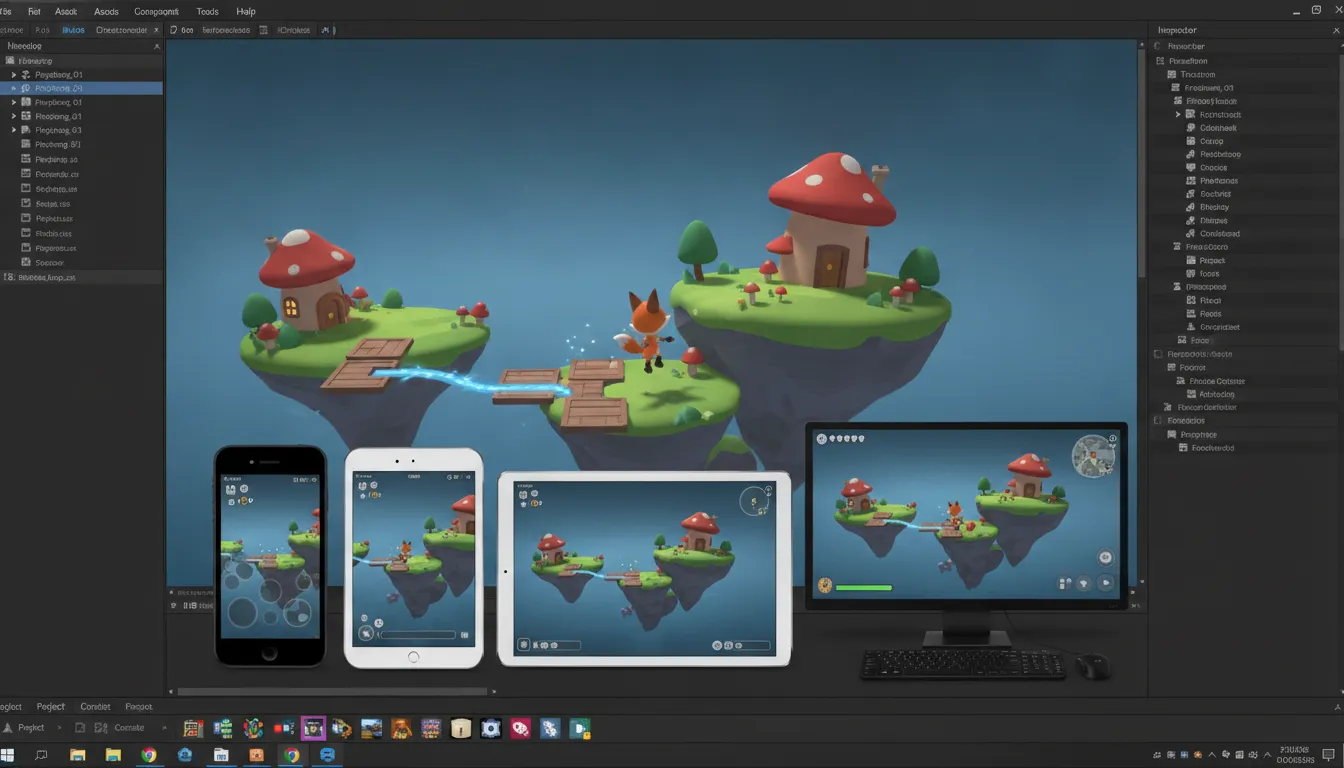
Picking an engine is a key part of your game's reach. Where your fans play matters as much as the game itself when evaluating Unreal Engine vs Unity for game development. Both engines ship to many stores at once, but each has distinct strengths.
Unity's lead in mobile gaming
Unity is the top choice for mobile games today. It works on a huge range of phones, from cheap models to the latest tech. The engine has a lightweight core that starts up fast and uses low power. Hits like Pokemon GO and Among Us use it for this reason. Unity gives teams broad platform support with less work than other tools. It uses a system of asset packs to keep the game fast and the phone cool, loading small parts only when needed.
Unreal's strength on console and PC
Unreal Engine is the top pick for big console and PC games. It is built to handle the best looks and most complex worlds. Most big studios use it when they want their game to look like a high-end film. While you can use Unreal on mobile, it takes more work to tune. Its tools are best for systems with a lot of RAM and fast chips. Teams choose it when they want one main build for PC and consoles like Xbox or PlayStation.
- Unity excels at: Mobile games, cross-platform launch, 2D titles, XR/VR across multiple headset brands
- Unreal excels at: Console and PC AAA titles, high-fidelity single-platform builds, cinematic experiences
XR support and cross-play goals
New tech like VR and AR needs an engine that can move fast. Unity has strong support for XR gear from many brands, helping teams port their work to new headsets faster. If your goal is to be on every VR store, Unity is a fast path. Choosing the right path for your game takes a deep look at your goals. A game development services partner like Arctic7 can help you make this choice, having worked on top games for both Unreal and Unity across all major platforms.
Talent and Team Considerations for Co-Development
Your engine choice dictates who you hire and how your team grows. Unreal Engine and Unity have very different talent pools.
- Unity talent: Larger pool, C# is widely taught, easier to find mid-level developers and new hires
- Unreal talent: Smaller pool, C++ requires deeper skill, senior-heavy and specialized
Unity's use of C#, a common language for many coders, makes it easier to find professional game development services and new hires. For high-end work, Unreal Engine is the industry standard. It uses C++, a more complex language, but Unreal talent is often deep at the senior level, knowing how to handle memory and performance for big games.
Building teams with visual tools
Modern engines help creative staff build logic without deep coding. Unreal Engine uses Blueprints, a visual scripting tool that lets designers and artists build game systems on their own. This changes how you structure your team , you might need fewer pure engineers and more technical designers. Unity teams often rely on C# for core logic, but both engines need clear rules to stay organized.
Aligning pipelines and workflows
Success in a partnership depends on shared tools. You must match engine workflows and build systems with your partner to stop friction when sharing files and keep your build process fast. Poor pipeline management can lead to version control conflicts. Teams must agree on branch policies and how to handle assets. At Star Fort Studios, we focus on these shared standards and use multi-studio locations to offer follow-the-sun development, keeping projects moving through all time zones.
Hiring for specific engine needs
Finding the right people takes time. When hiring Unreal Engine talent, look for deep technical skill. These teams often have more engineers to manage the engine's low-level power. Unity teams are often more creative-driven, focusing on fast iteration and rapid prototyping. A shared project architecture is the only way to guide these different groups toward one goal.
Cost Analysis: Seat Licensing vs. Revenue Royalty
Choosing an engine for a co-development project requires a clear look at total costs. The best choice depends on your team size and expected sales. Unreal Engine vs Unity for game development offers two very different financial models. One charges per seat, while the other takes a share of your earnings. Professional game development services can help you model these costs for your specific project.
Unity's seat license model
Unity uses a fixed cost per developer. As of early 2026, Unity Pro costs about $2,310 per seat each year. This makes costs easy to track because they do not change based on how much money your game makes. For a team of 100 people, this totals about $231,000 per year. Large teams with many artists and testers may find this per-seat cost adds up fast. However, for a high-earning game, the lack of a royalty fee can save millions in the long run.
Clear licensing costs allow studios to put more money into technical staff and asset optimization. Choosing the right license tier is a big part of engine planning in a strategic collaboration.
Unreal Engine's royalty model
Unreal Engine is free to use during the build phase. Epic Games only charges a fee after your product earns a certain amount of money. Most games pay a 5% royalty after gross revenue hits $1 million. For a title that earns $50 million, the royalty payment would be about $2.45 million. This shifts the cost from a fixed yearly fee to a share of your success.
This model reduces the risk for new projects , no large seat fees while the game is still in production. The trade-off is that a very successful game will pay much more to Epic than it would have paid for Unity licenses.
Comparing the two financial paths
| Factor | Unity Pro | Unreal Engine |
|---|---|---|
| Upfront cost | Per-seat license fee | Free to start |
| Yearly fee | ~$2,310 per seat | None for most |
| Royalty rate | 0% | 5% after $1M |
| Best for | Large teams, high sales | Lower risk, AAA fidelity |
The final choice often comes down to your sales forecast. If you expect your game to be a massive hit, the per-seat model might be cheaper. If you want to keep costs low until you are making money, the royalty path is safer. Arctic7 helps partners weigh these engine choices to ensure the best fit for their IP and their budget.
Making the Right Choice for Your Game and Co-Development Partnership
Choosing between Unreal Engine vs Unity for game development is a choice about the future of your IP. The best engine for your project depends on your specific goals, platform needs, and team skills. You must balance speed now with the need for long-term care. Our team at Arctic7 gives you professional game development services to help you navigate these technical trade-offs.
When to choose Unreal Engine
Unreal Engine is the best choice for games that need high-end graphics and AAA scale. It offers full C++ source access, allowing for deep engine changes and custom growth. This engine is the standard for cinematic games and virtual production. If you are building a realistic console game or a complex simulation, Unreal is the right fit. Arctic7 has deep roots in Unreal, which you can see in our game development and virtual production portfolio.
When to choose Unity
Unity excels when your game needs to reach many platforms fast, especially mobile and XR. Its C# setup and large plugin ecosystem make it great for quick tests and live updates. Unity is often the best choice for 2D games, stylized art, or games that need fast changes. Our studios have shipped top titles on Unity, making sure your game stays fast and scales well.
- Unreal Engine is best for: AAA console/PC games, cinematic experiences, virtual production, high-fidelity simulations, film and TV crossovers
- Unity is best for: Mobile and XR games, 2D and stylized titles, multi-platform launches, rapid prototyping, teams with smaller budgets
Building a strong partnership
A good project needs more than just the engine. A co-development partner must match their work steps to fit your build systems and tools. This cuts friction and stops delays when parts are joined. You should look for a partner with a long history in your chosen engine. Arctic7 uses a shared, clear plan to guide our work across many studios. This focus on clear plans and notes makes our strategic collaboration smooth and useful for IP holders.
Frequently Asked Questions
Is Unreal Engine better for AAA games than Unity?
Unreal Engine is the main choice for high-quality games. It is famous for tools like Nanite and Lumen, which help teams create large worlds with realistic lighting. While Unity is used for many games, most top studios choose Unreal for its deep engine access and film-like features. According to Epic Games, Unreal is the best choice for AAA production because it handles high-detail assets well.
Which game engine is easier for beginners to learn?
Unity is often easier for beginners because it uses C# for coding. This language is simpler to read than C++. Unity also has a large store where you can buy ready-made parts to speed up your work. However, Unreal Engine offers Blueprints, a visual system for making game logic without writing code. Both engines have many guides, but Unity is mostly better for those who want to start making games fast.
Does Unity have better mobile game support?
Unity is a leader in the mobile gaming market. It supports many platforms and makes it easy to optimize for older phones. Many hit titles like Call of Duty: Mobile and Genshin Impact use Unity for its smooth performance on small devices. According to Unity, their engine provides strong tools that help creators ship games across many platforms. This makes Unity the top pick for teams that want to reach the widest mobile audience.
How do the programming languages differ between Unity and Unreal?
Unreal Engine and Unity use different languages for their scripts. Unreal uses C++, which gives developers full control over how the game runs. This is great for fast games but is harder to learn. Unity uses C#, which is more modern and easier to use for quick testing. While Unreal gives you deep access to the source code, Unity is often faster for small teams to build and improve their ideas.
Is Unreal Engine more expensive to use than Unity?
Costs depend on your team size and game sales. Unity Pro costs about $2,310 per seat each year for teams with over $200,000 in revenue. Unreal Engine is free to use at first, but you must pay a 5% royalty once your game earns $1 million. Large teams that expect high sales often prefer Unity's flat fee. Smaller teams might like Unreal because they do not pay anything until their game becomes a success.
Ready to discuss your game co-development engine needs?
If you pick the wrong engine, it can slow your work and cost more than expected. A good plan helps your team avoid bugs and gives your fans a great game with the right look and feel. Arctic7 brings proven experience in both Unreal Engine and Unity across AAA consoles, mobile, and XR platforms. We help IP holders choose the right engine, build the right team, and ship on time and on budget.
Contact Arctic7 today to discuss your game co-development engine needs and find out how we can help you ship a great game, protect your IP, and expand your world.
New Immersive & XR Media Capabilities Added to Arctic7's Suite of Games, Film & TV and Digital Services

Arctic7 Shares Details of its Work on Skeleton Crew and Cinematics Partnership with Fateless

The Human Touch: Adding Personality to Project and Product Management
Whether it’s your team, your client, or your stakeholders, understanding the human dynamics is just as critical as hitting milestones.

McDonald's Case Study: Bridging Brand and Play | Arctic7
Bridging Brand and Play: An Interview with Lindsay Blenkhorn Daggitt