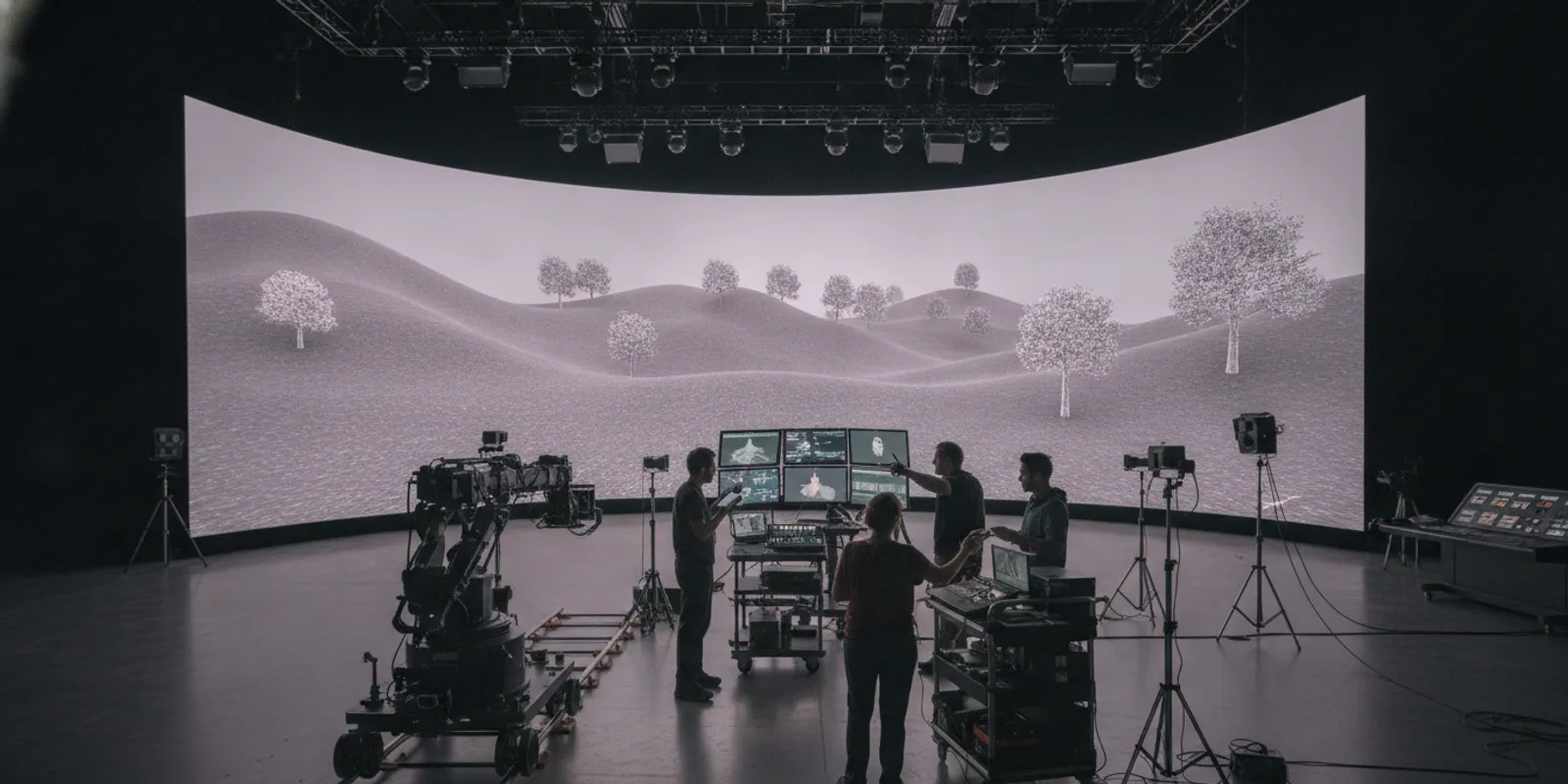

Production Technology Services for Modern Entertainment Workflows
Entertainment production now moves through interconnected systems rather than a single linear pipeline. A film scene may depend on real-time assets, remote review, visual effects, and editorial; a game may share world-building, performance capture, and cinematic sequences with other formats. Production technology services help teams coordinate those tools and handoffs around the creative work. The objective is not to add technology for its own sake. It is to reduce avoidable friction while protecting creative intent, schedule, and the ability to deliver across platforms.
For studios, publishers, and IP holders, the most useful starting point is to connect each technology decision to a production risk: What could be delayed, lost, repeated, or made harder to revise? Then select a workflow and partner model that address those risks before they become expensive downstream problems.
Explore virtual production capabilities
By Andrew MacLusky, CPO
What Do Production Technology Services Cover?
Production technology services connect the systems, people, and processes used to create and deliver entertainment. The scope can include real-time production, virtual production, game engines, asset pipelines, collaboration tools, and technical planning. The right scope depends on the project: a feature film, episodic series, live game, and cross-platform franchise have different constraints, but all need clear ownership of workflows and decisions.
Technology is only one part of the service. Teams also need a plan for how creative assets move, how departments exchange information, how changes are approved, and what happens when a dependency fails. A technically capable pipeline can still create delay if a department receives the wrong version of an asset or cannot tell who owns the next decision.
That is why a useful engagement begins with production context. It maps the creative goal, delivery formats, schedule, existing tools, team responsibilities, and required approvals. From there, specialists can identify which systems should be integrated, which workflows need to be redesigned, and where a simpler process is safer than a more complex toolset.
How Do Production Technology Services Reduce Workflow Risk?
The value of production technology services is clearest when they are tied to specific risks rather than a list of software features. A structured workflow can make dependencies visible, clarify handoffs, and establish checks before work reaches a costly downstream stage. That does not remove creative uncertainty; it gives teams a more reliable way to manage it and to adapt when scope, assets, or production conditions change.
Consider a sequence that requires a digital environment, on-set photography, and later visual effects. If the camera, environment, and post-production teams work from different assumptions, the result may be a mismatch in framing, lighting, or asset versions. Early testing, shared technical references, and clear review ownership help reveal these issues while there is still time to adjust.
For a game with cinematic content, risks may include inconsistent asset specifications, duplicated work between gameplay and cinematic teams, or late changes that affect performance. A pipeline should make it clear which assets are authoritative, what technical checks apply, and who can approve a change that affects another department. The best choice is the one that addresses the real dependency without imposing unnecessary process.
- Schedule risk: identify critical handoffs and dependencies, then test the highest-risk steps early.
- Creative risk: preserve a shared view of the creative intent, reference material, and approved versions.
- Technical risk: verify that the chosen tools and assets work together under actual production conditions.
- Coordination risk: name owners for decisions, reviews, and escalation when teams work across locations or companies.
- Continuity risk: agree on asset naming, versioning, and documentation so work can move between formats and teams.
Security and vendor access are also part of workflow planning when production systems, assets, or technical knowledge pass between organizations. NIST describes guidance for cybersecurity of supply chains and technology transfer in its industrial technology services overview. For an entertainment project, the practical implication is to define access, transfer, and responsibility with production partners rather than treating those questions as a late technical detail.
Risk mapping works best when it identifies both the failure mode and its consequence. “Asset handoff is unclear” is a useful observation, but a production lead also needs to know whether that ambiguity could stop a stage test, trigger a rebuild, or delay final approval. Write each risk as a cause, event, and impact, then name the person responsible for reducing it. This makes it easier to distinguish a genuine production-critical issue from a preference about tools or process.
Teams can also set a response before a problem appears. For instance, if a real-time environment does not meet a performance target during a representative test, agree in advance whether the team will simplify the asset, adjust the scene, change the delivery method, or revisit the target. That decision path avoids turning a technical test into an unplanned debate late in the schedule. It also makes trade-offs visible to creative and production leaders who need to approve them.
Which Production Technology Services Should You Prioritize?
Prioritize production technology services by starting with the intended outcome and its constraints. A team building a real-time environment for a shoot needs different support from a publisher extending an established game world or a studio coordinating a multi-format release. Map the work first, then select the capabilities that remove the most consequential bottlenecks.
Use the questions below to avoid choosing a tool before you understand the job it must do:
- What is the creative deliverable? Define the experience, story, or production output, along with the formats and audiences it must serve.
- Where does work currently slow down? Trace a real asset or decision from creation through approval and delivery. Look for waiting, rework, duplicated effort, or unclear ownership.
- Which constraint is hardest to change? It may be a stage, engine, existing content library, platform requirement, security condition, or team capacity.
- What must stay consistent across departments? Identify shared assets, technical standards, creative references, and review criteria.
- What evidence will show the workflow works? Agree on practical tests: a representative scene, asset transfer, review cycle, or build milestone.
These questions often point to a combination of capabilities rather than one product. A project may need technical pipeline development and production planning, while another may benefit most from virtual production or game development support. Arctic7's services overview describes a portfolio spanning transmedia strategy, game development, virtual production, cinematic storytelling, ecosystem design, and content optimization.
Once you know the pressure point, rank possible interventions by impact, dependency, and reversibility. A bottleneck that blocks several departments deserves attention before a local inconvenience. A decision that is difficult to undo, such as a stage configuration, asset standard, or major pipeline integration, should be tested earlier than a low-risk tool choice. When two options seem comparable, prefer the one the team can validate quickly with representative work and explain clearly to every department that depends on it.
A short decision brief can keep that prioritization grounded. State the production problem, the teams affected, the options considered, the evidence available, and the decision owner. Note what the proposed change will not solve, too. For example, a shared review platform may improve visibility but will not resolve a disagreement about creative authority. Naming that boundary prevents technology from being asked to solve a governance problem.
How Do Film, Television, and Game Workflows Differ?
Film and television workflows often organize work around a production schedule, crew, locations or stages, editorial, and post-production. Games involve an interactive product that must be built, tested, optimized, and maintained across target platforms. Projects that connect these formats must account for both: story and assets may travel between media, but production rules and audience expectations do not automatically transfer with them.
For film and television, production technology can help teams evaluate whether a scene is suited to a physical location, a controlled stage, a virtual environment, or a blend. It can also align on-set decisions with later post-production work. The key is to establish how camera data, environments, lighting references, and creative approvals will be captured and handed off.
For games, the pipeline must account for real-time performance, asset constraints, iteration, and the relationship between content and player interaction. A cinematic asset may need a different level of detail or implementation from an environment that players can explore. Game development support can help ensure technical choices serve the full playable experience rather than only a pitch or isolated sequence.
For cross-format IP, the challenge is continuity without forced uniformity. A shared world can carry recognizable characters, rules, and themes, while each medium uses its own strengths. An integrated game development partner can be useful when the game itself is a central part of the property strategy, while film and television work may require a separate production cadence and delivery structure. Strategy should specify what is shared and what is intentionally adapted.
| Production context | Common workflow pressure | Technology focus | Useful early test |
|---|---|---|---|
| Film or television shoot | On-set decisions affect editorial and post-production | Capture, review, real-time visualization, and handoff standards | Run a representative scene through the planned capture and review path |
| Game development | Iteration must meet platform and performance needs | Engine workflows, asset validation, builds, and cross-discipline integration | Implement and profile a representative gameplay or cinematic asset |
| Virtual production | Stage, camera, environment, and creative departments must stay aligned | Tracking, real-time rendering, stage operations, and visual references | Test a camera move and lighting setup with the intended environment |
| Cross-format IP | Creative continuity must coexist with different production models | Shared world assets, governance, adaptation, and version control | Trace one character, location, or story element across planned formats |
The table is a planning aid, not a prescription. Production context, existing infrastructure, and the project’s creative requirements determine which technologies belong in the final pipeline.
In practice, cross-format reuse should begin with a deliberate asset inventory, not an assumption that every source file can be moved unchanged. A model, environment, or character reference may need different technical preparation for a game engine, an on-set visualization, or a final rendered sequence. Record the authoritative source, the version each team uses, and any changes that must flow back to the shared library. This simple lineage prevents an adaptation made for one medium from silently becoming the new source of truth.
It is equally important to separate reusable production knowledge from reusable assets. A camera test, lighting reference, or naming convention can inform later work even when the underlying environment must be rebuilt. Capture those lessons alongside the deliverables. For a franchise, that record can help later teams understand why a decision was made, what assumptions it depended on, and where they have room to reinterpret the material for a different audience experience.
When Does Virtual Production Make Sense?
Virtual production is most useful when its creative and operational advantages answer a specific production need. It can help teams visualize environments during photography, coordinate camera and digital-world decisions, or work in a controlled stage environment. It is not a universal replacement for locations, practical sets, or conventional visual effects. The decision should follow the scene, the schedule, and the team’s readiness.
Before committing, identify what the stage needs to accomplish and test that work with representative content. A simple proof of concept can reveal whether the environment reads correctly on camera, whether tracking behaves as expected, and whether the crew can review changes at the needed pace. It can also expose dependencies on asset preparation, stage availability, or specialist roles.
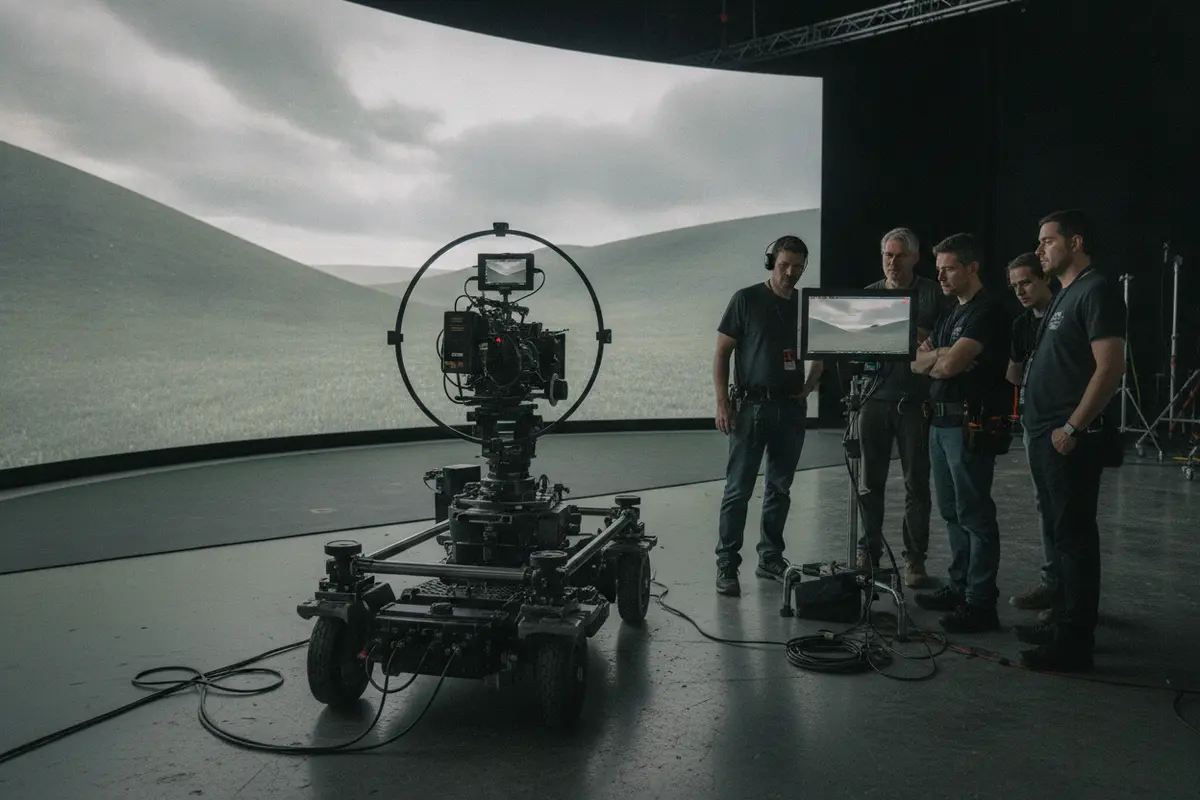
Virtual production depends on more than an LED wall. Camera tracking, real-time rendering, environment preparation, stage operations, and communication between departments all shape the result. A mismatch in any of these areas can reduce the value of the setup. Clear ownership and rehearsal help the creative and technical teams solve issues before the production day.
Arctic7's Narwhal Studios is a concrete example of virtual-production experience: the company reports completing six in-camera visual effects projects with Lucasfilm. That example shows why relevant production history matters when evaluating a partner. Ask what kinds of stages, workflows, and handoffs the team has actually supported, and how that experience maps to your own production rather than assuming every project has the same needs. Learn more about Arctic7 virtual production and its studio capabilities.
For a grounded decision, compare the scene’s needs with the operational investment it introduces. Ask whether the digital environment needs to be visible in-camera, whether location or weather conditions make a controlled setting valuable, and whether the production can prepare and rehearse the content before the shoot. If the central benefit is simply “using the newest technology,” the case is not yet specific enough. If a test shows that the workflow gives directors a useful view of the scene, helps departments resolve framing decisions earlier, or supports a location that is otherwise impractical, the production can evaluate those concrete benefits against its constraints.
Rehearsal should include the people who will make decisions on the day, not only the technical operators. A camera move can expose an issue with parallax or composition; a lighting change may alter how an environment reads; a creative revision may require a new asset version. Walk through how those changes are requested, assessed, and approved. A shared vocabulary and a clear escalation route can save time when the pace of production makes lengthy troubleshooting difficult.
How Should Teams Evaluate a Production Technology Partner?
A partner should be able to connect creative goals with technical decisions and explain how work will move across the people involved. Evaluate more than equipment lists or tool familiarity. Ask how the partner identifies project risk, collaborates with existing departments, documents decisions, and adapts when a production changes. A strong fit adds capability without obscuring ownership or disrupting the teams already doing the work.
Use a structured conversation before agreeing on scope:
- Ask for the workflow, not only the demo. Request a clear explanation of inputs, outputs, approvals, and handoffs for a representative part of the project.
- Clarify roles. Identify who owns technical direction, creative approvals, asset delivery, integration, and escalation.
- Test collaboration. Include the departments that will use the workflow in a practical review or proof of concept.
- Check adaptability. Discuss what happens when a scene, feature, schedule, or platform requirement changes.
- Define success. Set observable acceptance criteria for tests and milestones rather than relying on a general promise of efficiency.
- Plan knowledge transfer. Document systems and decisions so internal teams and future partners can understand the pipeline.
Production models can vary. Full-scale development may be appropriate when a partner must take responsibility from concept through delivery. Co-development can suit teams that want to share creative and technical decisions with an existing studio. A specialized engagement can target a defined need, such as narrative workshops, system design, monetization planning, or technical pipeline development. The delivery model should match the risk and authority the project needs to place with the partner.
Look for evidence of integration across disciplines. Arctic7 positions itself as a transmedia partner spanning games, film, television, and immersive experiences, with projects that can help prospective collaborators understand the kinds of work represented in its portfolio. The objective in reviewing any portfolio is not to find a perfect duplicate of your project. It is to see whether the partner understands comparable complexity and can explain how its approach would change for your requirements.
Make the scope testable before work begins. A statement such as “support the pipeline” can mean anything from advising on a workflow to building and maintaining an integration. Translate that broad phrase into deliverables, review points, dependencies, and acceptance criteria. For a proof of concept, specify the representative content, the people who need to participate, what will count as a successful result, and what decisions the test is expected to unlock. This makes it easier to compare proposals on the work itself rather than on broad claims.
Also ask what happens after the initial engagement. Who will maintain the workflow, train new contributors, update documentation, and manage changes to tools or requirements? If knowledge resides only with a temporary project team, the production may inherit a fragile system at handoff. Good transition planning defines what the internal team needs to operate the process, which issues require specialist support, and what materials must be delivered for a future team to continue the work.
Finally, examine how the partner handles disagreement. Creative and technical constraints sometimes point in different directions, and project owners need a transparent way to decide among options. Ask for an example of how the team would present trade-offs, identify who has final authority, and document the choice. The point is not to avoid tension, but to ensure that it leads to an informed decision rather than an undocumented workaround.
How Can You Prepare a Production Technology Plan?
A practical plan gives the team a shared reference for purpose, workflow, risk, and decisions. It can begin small, then become more detailed as the production learns. The most important thing is to make assumptions visible: which tools are already fixed, what assets will be shared, which teams must review the work, and what must be proven before the workflow scales.
- Describe the production outcome. State what is being made, for whom, in which formats, and what creative qualities must be protected.
- Map the current pipeline. Show how a representative asset or decision moves from creation to final delivery. Include owners and review points.
- Mark failure points. Note dependencies, repeated work, version confusion, late approvals, performance limits, and access concerns.
- Choose a small number of tests. Use representative content to validate the riskiest technical or collaborative assumptions.
- Set decision gates. Decide what evidence is required before committing to a stage, scaling a team, or locking a pipeline.
- Document the operating model. Keep roles, change procedures, file or asset conventions, and escalation routes accessible to the people who use them.
This planning work is especially valuable for IP holders. An expansion across games, film, and television can create more ways for audiences to engage with a world, but only if the creative and production decisions reinforce one another. An interconnected transmedia approach needs clear principles for what remains consistent, who approves changes to the world, and how each format contributes its own experience.
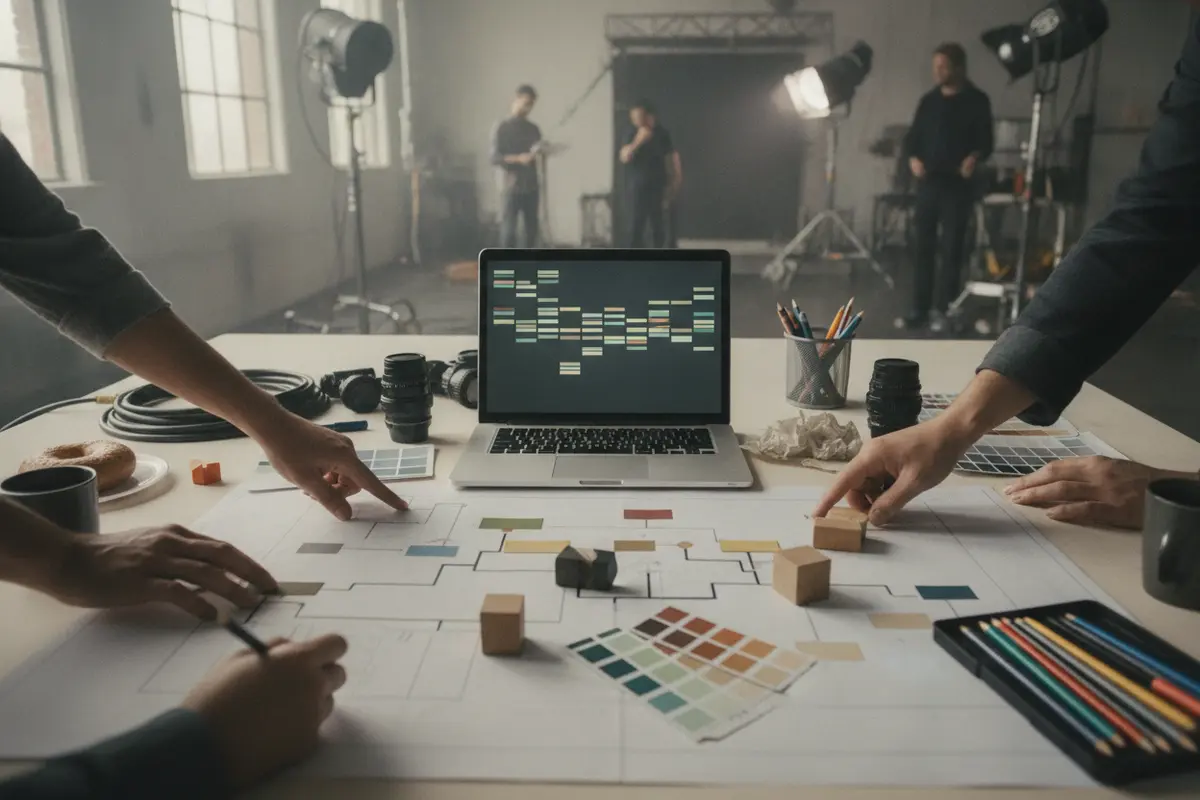
A pipeline should serve the project rather than become a project in itself. Begin with an achievable test and a small number of meaningful criteria. If a chosen workflow works, document what made it work and expand carefully. If it does not, use the test to revise the process before many teams depend on it.
Make the plan usable in a production meeting. A concise workflow map can show the origin of an asset, each team that touches it, review gates, and the approved destination. Add a simple change log for decisions that affect multiple disciplines: what changed, why, who approved it, and which downstream teams need to act. The map does not need to describe every exception at the outset. It should make the normal route easy to understand and show where a person can raise an issue when an exception occurs.
Plan tests in layers. First, validate the narrow technical question with a small sample: can the asset be transferred, opened, or rendered as expected? Next, run a representative creative review with the people who need to judge the result. Finally, test the handoff under realistic timing and responsibility, including how the team will handle a revision. A workflow can pass a technical check and still fail in practice if the approval arrives too late or a change is not communicated to the next department.
Choose a few measures that reflect the problem you are solving. A team concerned about uncertainty might track whether dependencies are identified before a milestone; one focused on rework might record how often an asset returns because requirements were unclear. These measures are diagnostic rather than a universal scorecard. Interpret them alongside creative quality and production context, and use them to decide whether the process needs adjustment. Do not treat a faster handoff as a success if it compromises the intended result.
Finally, assign a review cadence. Revisit the plan at meaningful gates, such as the end of a test, a major asset lock, or the transition from development into production. Confirm that assumptions remain true, that new teams have the documentation they need, and that unresolved risks have owners. A plan is useful precisely because it can change in a controlled way as the production learns.
Discuss your production technology needs
Frequently Asked Questions
Are production technology services only for large studios?
No. The scale and scope should match the production. A smaller team may need focused technical planning or integration for a single sequence, while a larger franchise may need coordination across multiple departments and formats. The key is to define the problem and engage support at the scale needed to solve it.
Do production technology services replace a studio’s existing team?
Not necessarily. Services may complement an in-house team, support a co-development model, or take responsibility for a defined scope. Agree on roles, decision rights, and handoffs at the start so internal and external contributors can work together without uncertainty.
Should a project choose tools before hiring a partner?
Start by documenting the creative goal, current systems, constraints, and workflow risks. Some tools may already be required, but committing to additional technology before understanding the production need can create cost and complexity without resolving the underlying problem.
How can a team tell whether a workflow is ready to scale?
Test it with representative content and the people who will use it. Confirm that the handoffs, approvals, technical checks, and expected outputs work under realistic conditions. Then document the process and decide what evidence is required before expanding it to more scenes, assets, or teams.
What should an IP holder ask about cross-format production?
Ask which creative elements should stay consistent, which can change by medium, who governs those decisions, and how assets and approvals will move between teams. A shared world needs clear principles, but each format should still be designed for its own audience and mode of engagement.
Ready to Plan Your Production Workflow?
Modern entertainment workflows succeed when technology, creative intent, and production responsibility are designed together. A clear plan helps you choose the right capabilities, test important assumptions early, and connect work across film, television, and games without forcing every format into the same process.
Discuss your production technology needs
Start with the production challenge you need to solve, then build the workflow around the outcome you want to deliver.
New Immersive & XR Media Capabilities Added to Arctic7's Suite of Games, Film & TV and Digital Services

Arctic7 Shares Details of its Work on Skeleton Crew and Cinematics Partnership with Fateless

The Human Touch: Adding Personality to Project and Product Management
Whether it’s your team, your client, or your stakeholders, understanding the human dynamics is just as critical as hitting milestones.

McDonald's Case Study: Bridging Brand and Play | Arctic7
Bridging Brand and Play: An Interview with Lindsay Blenkhorn Daggitt