
In-Camera VFX Workflow Tips: A Practical Guide for Production Teams
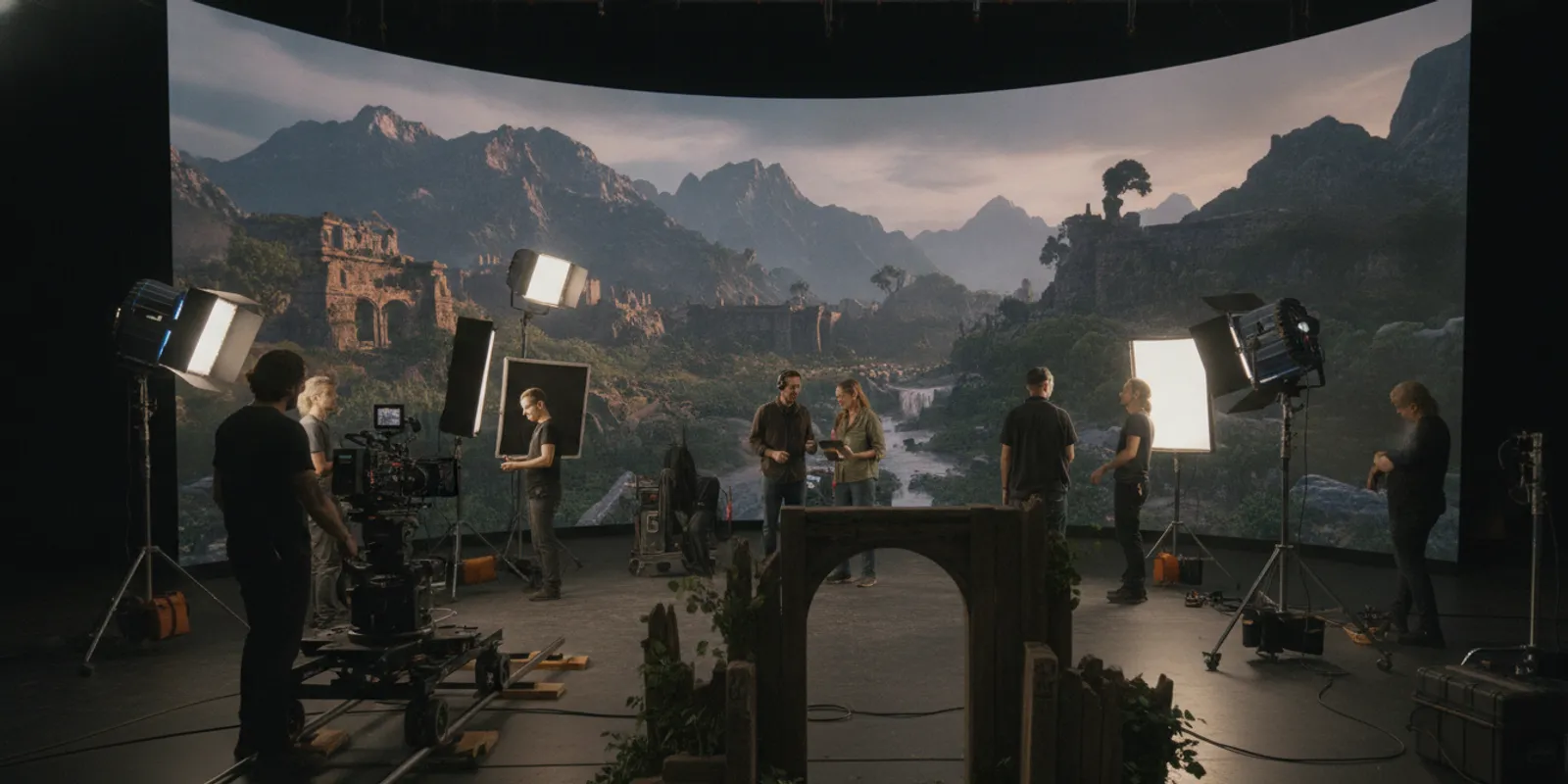
In-camera VFX workflow tips matter most before a camera reaches the stage. The method can bring actors, practical sets, camera movement, and digital environments together in the same photographed moment, but only when creative intent and technical decisions are aligned early. For IP holders and production leaders, the central question is not simply whether an LED volume is available. It is which shots benefit from this approach, what the team must prepare, and how the workflow protects the story while keeping production decisions visible.
Talk with Arctic7 about your production needs
By Andrew MacLusky, CPO
What does an in-camera VFX workflow make possible?
In-camera visual effects bring selected digital imagery into the photographed scene rather than relying entirely on adding that environment after principal photography. A production may combine an LED display, real-time rendering, camera tracking, a virtual environment, and practical set elements. The result is a connected creative and technical process, not a screen that can solve every effects shot by itself.
That distinction matters. The approach can give performers and directors a shared view of the scene, let departments respond to visible light and composition, and provide an immediate sense of how a location or world will appear in camera. It can also shift decisions that might otherwise wait for post-production into the preparation and shooting phases. That shift is valuable only if the right people can make those decisions at the right time.
Think of the workflow as a production system with several linked parts: story and shot design, virtual art, stage and camera technology, practical art direction, performance, and review. The goal is not to use the most technology possible. It is to make the intended shot achievable while preserving flexibility where the story needs it.
When should a production use in-camera VFX workflow tips to shape its plan?
Start with the shot, not the stage. In-camera work is worth exploring when a visible environment, a particular camera move, interactive light, or a performer’s relationship to the setting is central to what the audience sees. If a scene depends on that interaction, bringing departments together around a real-time view may improve creative decision-making. If it does not, another method may be more straightforward.
During script breakdown, mark sequences where the background affects blocking, timing, lens choice, or lighting. Then ask what is known and what remains open. A stable horizon and defined camera move may be a good candidate for early testing. A scene with extensive coverage, changing locations, or an intentionally flexible background may call for a hybrid plan. These are prompts for evaluation, not fixed rules: the shot’s creative requirements and the production’s resources determine the fit.
Consider the practical questions behind each candidate:
- What must the audience see? Separate essential story information from scenery that can be added or refined later.
- What must actors respond to? Identify whether a visible environment, a light cue, or a spatial reference can help a performance.
- How will the camera move? Establish whether the framing and movement can be represented accurately in the chosen setup.
- Which decisions need to remain flexible? Preserve room to change elements that are not yet creatively settled.
- What is the fallback? Agree on an alternate plan for shots or components that do not meet the creative or technical target.
A useful assessment is not a contest between in-camera and post-based effects. Productions often combine methods. The decision should follow story needs, schedule, access to the required capabilities, and the amount of certainty available before the shoot.
How should teams prepare before an in-camera VFX shoot?
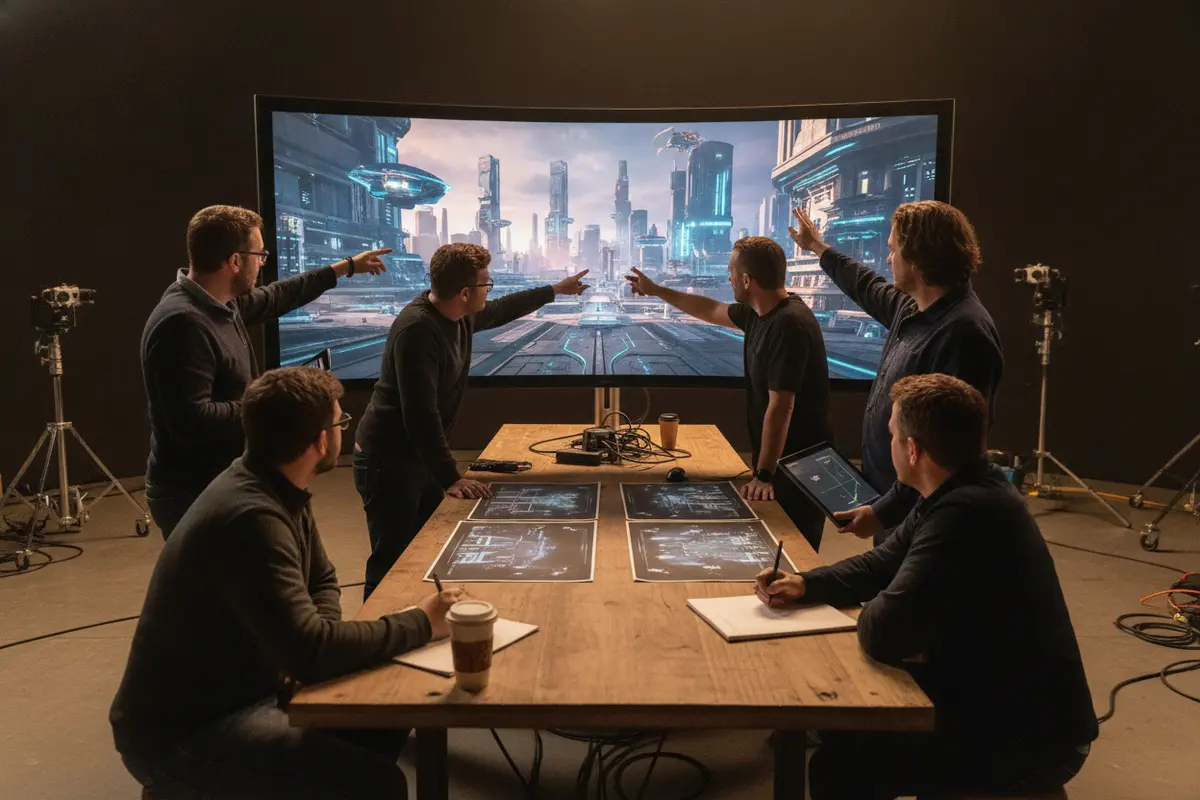
Preparation turns an attractive concept into a shot plan that departments can execute together. Begin by agreeing on the creative target for each selected shot, then translate it into references, camera assumptions, asset needs, and a review path. This does not require every digital detail to be final on day one. It does require clarity about what is approved, what is provisional, and who can make changes.
1. Define the shot’s creative purpose
Describe what the audience should understand or feel, rather than starting with a list of technical features. A wide view may establish scale; a close interaction may make a place feel present to a performer; a moving shot may connect foreground action to a changing world. State what must remain consistent across coverage, and what can vary. This simple brief gives creative and technical teams a shared test for later decisions.
2. Map the camera and practical elements
Gather the expected framing, lens approach, camera movement, blocking, practical set requirements, and lighting intent. Treat these as related inputs. For example, a change to camera position may affect the view of the digital environment, the composition of a practical foreground, and where a performer can move. When a detail is unknown, record it as an open item rather than silently treating an assumption as final.
3. Set the environment’s level of readiness
Teams should distinguish between an approved creative direction and a production-ready environment. A useful working sequence may move from mood and visual references, to a rough layout, to a camera-aware test, and then to the version intended for the shoot. The exact gates will vary. What matters is that stakeholders know when they are reviewing design, when they are assessing a technical test, and when a requested change may affect other work.
4. Agree on ownership and review timing
Name the people responsible for creative approval, environment decisions, camera tests, stage readiness, and issue escalation. Set a regular review rhythm that fits the production calendar. If multiple rights holders or partners need to review the work, clarify what each must approve and what feedback is advisory. A defined route for decisions is especially useful when a change touches story, art, and technical execution at once.
Arctic7 brings together capabilities across transmedia and production services, virtual production, and game development. For an IP holder planning across formats, that breadth can help keep a production conversation connected to the larger world and its future uses, rather than treating a single shoot as an isolated technical exercise.
Which departments need to align, and what should each bring?
An in-camera setup asks departments to coordinate earlier and more visibly than a process where many choices are deferred. Bring the relevant creative, production, camera, art, virtual art, lighting, and technical stakeholders into planning. The size and composition of the group depend on the project. The aim is not to put everyone in every meeting; it is to make dependencies and decision owners clear before they become urgent on set.
| Area | What to define before the shoot | Useful review question |
|---|---|---|
| Story and direction | Purpose of the shot, performance needs, essential visual information | What must the audience read in this moment? |
| Camera and cinematography | Framing, lens assumptions, movement, coverage, and camera references | Does the planned view support the intended composition? |
| Art and environment | Visual direction, practical foreground, environment scope, and open design choices | Which details are story-critical and which can remain flexible? |
| Virtual production and technical teams | Stage requirements, tracking and rendering tests, integration plan, and fallback | Has the intended shot been tested in a representative setup? |
| Production and stakeholders | Schedule, approvals, review windows, ownership, and change path | Who can resolve a decision when departments disagree? |
The table is a starting point, not a substitute for a project-specific breakdown. A smaller scene may combine responsibilities; a complex production may need additional specialist input. In either case, write down dependencies. If a creative approval depends on seeing the camera move in a particular environment, schedule that test rather than assuming a still image will answer the question.
How do teams test the workflow before the shoot?
Build tests around uncertainty. A test is useful when it answers a production question that could change the plan: whether the composition reads, whether the camera move behaves as intended, whether practical and digital elements work together, or whether a department needs another reference. Avoid tests that look impressive but do not help the team make a decision.
Start with a representative shot rather than trying to prove every possible use at once. The test should include enough of the intended conditions to be informative. Depending on the scene, that might mean a camera move, a practical object, a performer, a particular lighting direction, or a key environment feature. Record the assumptions and conditions so reviewers understand what the test does and does not demonstrate.
After viewing a test, classify feedback. Is the issue creative, such as a horizon or scale that does not support the scene? Is it a camera or composition question? Is a technical adjustment needed? Or is the request actually a broader change in the story or environment? Sorting feedback by cause makes revisions more actionable and helps the team avoid treating every comment as a request to rebuild the same asset.
Use a short review record with four fields: the observation, the effect on the shot, the responsible decision-maker, and the next action. Close the loop by confirming whether the action changes the approved target. This lightweight discipline can prevent a test from producing a long list of comments without a clear path to resolution.
How can production track readiness without locking creative choices too early?
A readiness review should make the state of the work visible, not pretend that every creative decision is permanent. For each candidate shot, track the agreed creative intent, current camera assumptions, environment status, practical requirements, test evidence, open questions, and named decision owner. Keep the record concise enough that the team will use it. A shared document or production board can work if it clearly identifies the latest version and the person responsible for updating it.
Separate status from approval. A design may be in progress but still useful for a camera test; an environment may be approved in principle but not yet tested at the intended framing. Labels such as “for exploration,” “under review,” and “approved for this test” help prevent a draft from being mistaken for a final deliverable. Agree on the meaning of those labels with the people who will make and review the work.
Before a readiness meeting, circulate only the decisions that need attention. For example, the group may need to approve a camera direction, choose between two environment compositions, or decide whether a practical element belongs in the setup. State what happens if no decision is reached by the meeting date. That may mean progressing with a provisional choice, scheduling another test, or reconsidering the shot’s approach. A visible consequence makes the conversation concrete without forcing premature certainty.
- Ready for creative review: the team has enough visual context to discuss story, composition, and design direction.
- Ready for a technical test: key assumptions and test conditions are defined, with a clear question to answer.
- Ready for production planning: owners, dependencies, schedule needs, and fallback options are understood.
- Ready for the shoot: the relevant approvals and checks are complete for the planned shot, with a route for handling changes.
These gates should reflect the production rather than impose a generic process. A short sequence may need a light-weight review; a large franchise production with several approval groups may need formal milestones and more careful version control. In both cases, readiness is a shared understanding of what is settled and what remains open, not a promise that no change will occur.
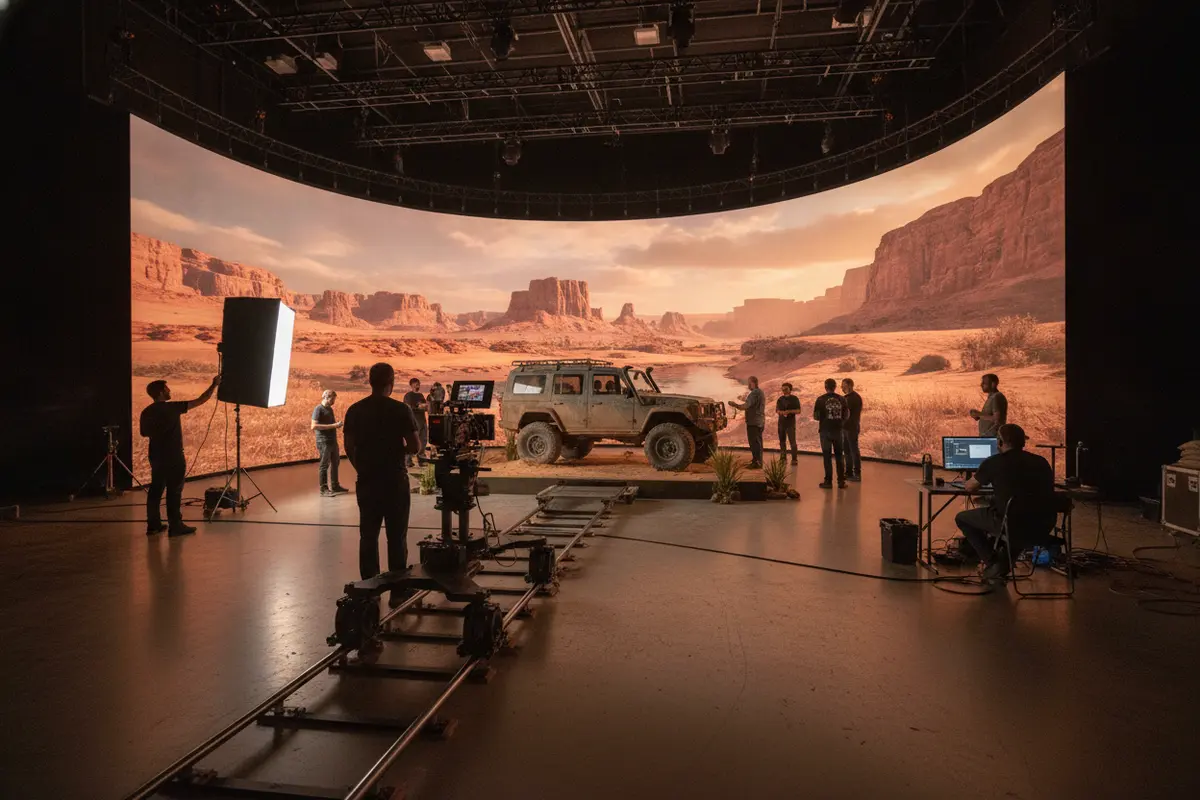
What should happen on the in-camera VFX stage?
The stage is where planning meets live performance and practical constraints. Before the work begins, confirm the approved shot intent, the current environment version, the day’s priorities, and who can authorize a change. Make space for a final creative check without letting routine questions interrupt every department. If the shot no longer matches its agreed conditions, pause to identify what changed and whether the plan still serves the scene.
Keep the review focused on the image and performance. Ask whether the background supports the composition, whether the digital and practical elements feel coherent for the shot, and whether the performer can engage with the scene as directed. Not every concern needs an immediate correction. Record issues that can be handled after the take, and distinguish them from problems that make the planned shot unusable.
Capture useful context for later review. Maintain clear version identification for the environment and shot, note significant changes, and document any agreed follow-up. This is particularly important when the scene will be revisited for additional coverage or when another team needs to understand how the photographed material was created. Consistent records help keep creative intent legible across production stages.
Build a contingency into the day. A fallback might involve a revised framing, a simpler environment element, a different coverage choice, or a plan to complete a component elsewhere in the effects process. The right fallback depends on the scene. Agreeing it in advance reduces the pressure to force a technical choice that no longer supports the story.
How can an in-camera VFX workflow serve a larger IP world?
For a franchise or entertainment brand, an in-camera environment may be one expression of a world that also appears in games, film, television, or immersive experiences. Consistency does not mean every format must repeat the same scene or visual detail. It means the creative foundations are clear enough that each format can contribute something distinct without contradicting the world’s defining logic.
That requires asking a few questions beyond the shoot. Which parts of the environment are unique to this story? Which design principles should continue across formats? What references or assets should be retained for future teams? Who has the authority to resolve a continuity question? These answers can guide both near-term production and later development without requiring a commitment to expand every element.
Arctic7’s work spans projects across games and production and its studio network. For teams weighing an interconnected plan, the benefit of cross-disciplinary participation is practical: decisions about a world can account for storytelling, execution, and possible reuse from the outset. The creative direction still belongs to the IP holder and its designated stakeholders.
Virtual production is also part of a wider visual effects community. The Visual Effects Society is a professional association for visual effects practitioners; productions can use professional communities and project-specific experts as part of their research and partner evaluation. For claims about a particular stage, workflow, or deliverable, rely on project evidence and direct technical discussion rather than assuming one organization’s general resources establish fit.
How should you evaluate a production partner?
Choose a partner based on the work your production needs, not just on the presence of a particular tool or facility. Ask how the team connects creative planning, art, technical preparation, and execution. Request examples relevant to the type of production under consideration, and discuss what the partner actually owned, what other collaborators contributed, and how decisions were handled.
- Can the team explain how it turns the story and shot requirements into a testable plan?
- How are creative approvals, revisions, and production changes communicated?
- What camera, environment, and stage assumptions should be tested before a shoot?
- How are dependencies between art, camera, lighting, and production made visible?
- What documentation and version practices will support continuity and later review?
- How does the team decide when another approach may serve the shot better?
- Can the partner work within the rights holder’s existing production structure and approval process?
Strong answers are specific and appropriately qualified. A partner should be able to distinguish an established capability from a project assumption, explain where the production needs more discovery, and describe how the team will surface a risk early. A conversation that treats every shot as an automatic fit is less useful than one that tests the premise against the actual story and schedule.
Arctic7’s virtual production entity, Narwhal Studios, is a concrete example of its production capability. To understand the broader organization and its experience, you can also meet the Arctic7 team. A prospective partner discussion should still focus on your project’s requirements, decision structure, and desired creative outcome.
What common planning mistakes should teams avoid?
Several problems arise when teams treat the technology as the plan. The first is selecting a stage approach before identifying which shots benefit. The second is asking for a finished environment before stakeholders have settled what the scene needs. The third is postponing camera and practical design conversations until the shoot. Each can create avoidable revisions because an early assumption has been mistaken for an agreed requirement.
Another common issue is unclear approval ownership. If multiple people can request changes but no one can resolve conflicting direction, a team may spend time revisiting decisions without improving the scene. Establish who approves creative direction, who advises on technical feasibility, and how a conflict gets escalated. Make this process clear to collaborators before the first test.
Do not use a single test as proof that every shot will work. A test answers only the questions represented by its conditions. A controlled camera move cannot establish how a different lens, composition, performer blocking, or environment will behave. Record the boundary of each test and decide what else needs to be evaluated before production commits to a plan.
Finally, do not let technical complexity obscure the audience’s experience. If a detail does not improve the story, performance, or visual design, it may not justify the extra coordination. Keep the creative purpose visible at each review. The workflow is successful when it helps the production make the intended image, not when it merely demonstrates a system.
Frequently asked questions
Does in-camera VFX replace post-production?
No. It is one way to create selected visual elements during photography. A production may still use post-production for adjustments, extensions, cleanup, or elements that are better handled later. Decide the division of work shot by shot with the relevant creative and technical teams.
Does every scene need an LED volume?
No. The method should be assessed against the scene’s creative and production requirements. Some shots may benefit from a visible environment or interactive light; others may be simpler to stage or complete through another effects approach. A shot breakdown and representative test can help clarify the choice.
What is the most useful first step?
Identify a small set of candidate shots and describe what each needs the audience to see. Then map the camera, performance, environment, and practical requirements. This gives the team a basis for deciding what to test and what information is still missing.
When should a partner join the conversation?
Bring relevant production and technical expertise in while the team can still shape shot plans, tests, and responsibilities. The exact timing varies by project, but waiting until a stage day to discuss core assumptions limits the opportunity to evaluate alternatives calmly.
Discuss a connected production plan with Arctic7
Closing perspective
In-camera VFX works best when a production treats it as a creative workflow with technical components, not as a technical purchase in search of a scene. Start with the story, select shots where the approach can contribute, test the assumptions that matter, and give stakeholders a clear way to make decisions. That preparation helps teams build a production plan grounded in the images they want to create.
New Immersive & XR Media Capabilities Added to Arctic7's Suite of Games, Film & TV and Digital Services

Arctic7 Shares Details of its Work on Skeleton Crew and Cinematics Partnership with Fateless

The Human Touch: Adding Personality to Project and Product Management
Whether it’s your team, your client, or your stakeholders, understanding the human dynamics is just as critical as hitting milestones.

McDonald's Case Study: Bridging Brand and Play | Arctic7
Bridging Brand and Play: An Interview with Lindsay Blenkhorn Daggitt